Quick Answer: Before buying any pre-owned or UK-used phone, check the battery health by navigating to Settings → Battery → Battery Health & Charging on iOS, or using diagnostic codes (
*#*#4636#*#*) and official diagnostics tools (like Samsung Members) on Android. Look for a maximum capacity between 85% and 100%. Anything below 80% means the battery is degraded and will require replacement soon.
When shopping for a pre-owned, swapped, or UK-used smartphone in Nigeria, it is very easy to get dazzled by a shiny metallic finish, a flawless display, or a tempting price tag. However, physical appearance can be misleading. A phone may look completely clean and brand new on the outside, but if its battery is severely worn out on the inside, your day-to-day experience will suffer immediately.
Before buying any phone, always check the battery health, not just the price or physical appearance. A degraded battery means constant battery drain, unexpected power-offs during critical calls, sluggish phone speeds, and carrying a heavy power bank everywhere you go.
Why Checking Battery Health Before Payment Is Essential
Avoid Immediate Repair Expenses: Buying a device with a worn-out battery means spending extra money on a battery replacement right after purchase.
Prevent Performance Throttling: Modern smartphones (especially iPhones) intentionally slow down processor speeds when the battery can no longer supply peak power.
Ensure True Value for Money: Checking battery condition helps you evaluate if the seller’s asking price is fair and realistic.
Avoid Swollen or Damaged Batteries: Degraded batteries can swell over time, putting pressure on internal components and cracking expensive display screens.
How to Check Battery Health (Step-by-Step)
1. Checking Battery Health on iPhones (iOS)
Unlock the iPhone and open Settings.
Scroll down and tap Battery.
Tap Battery Health & Charging.
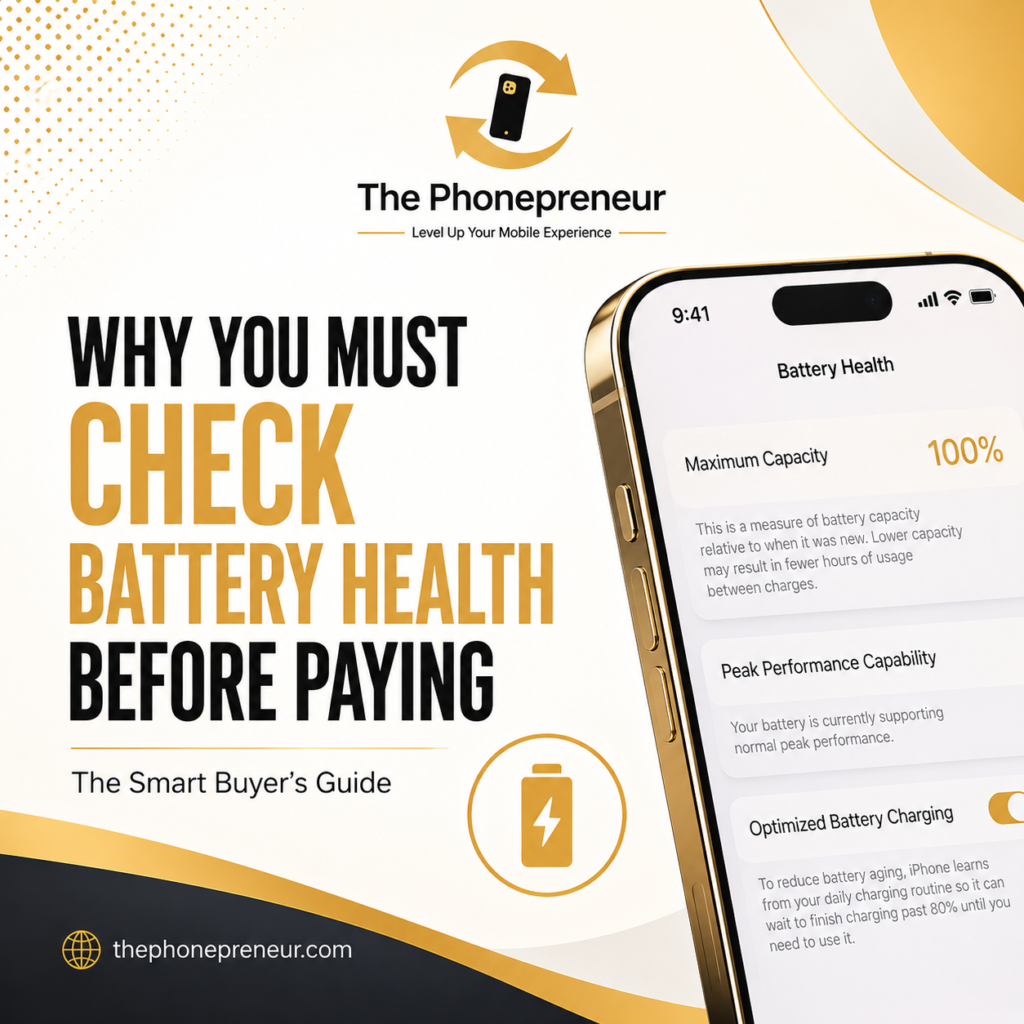
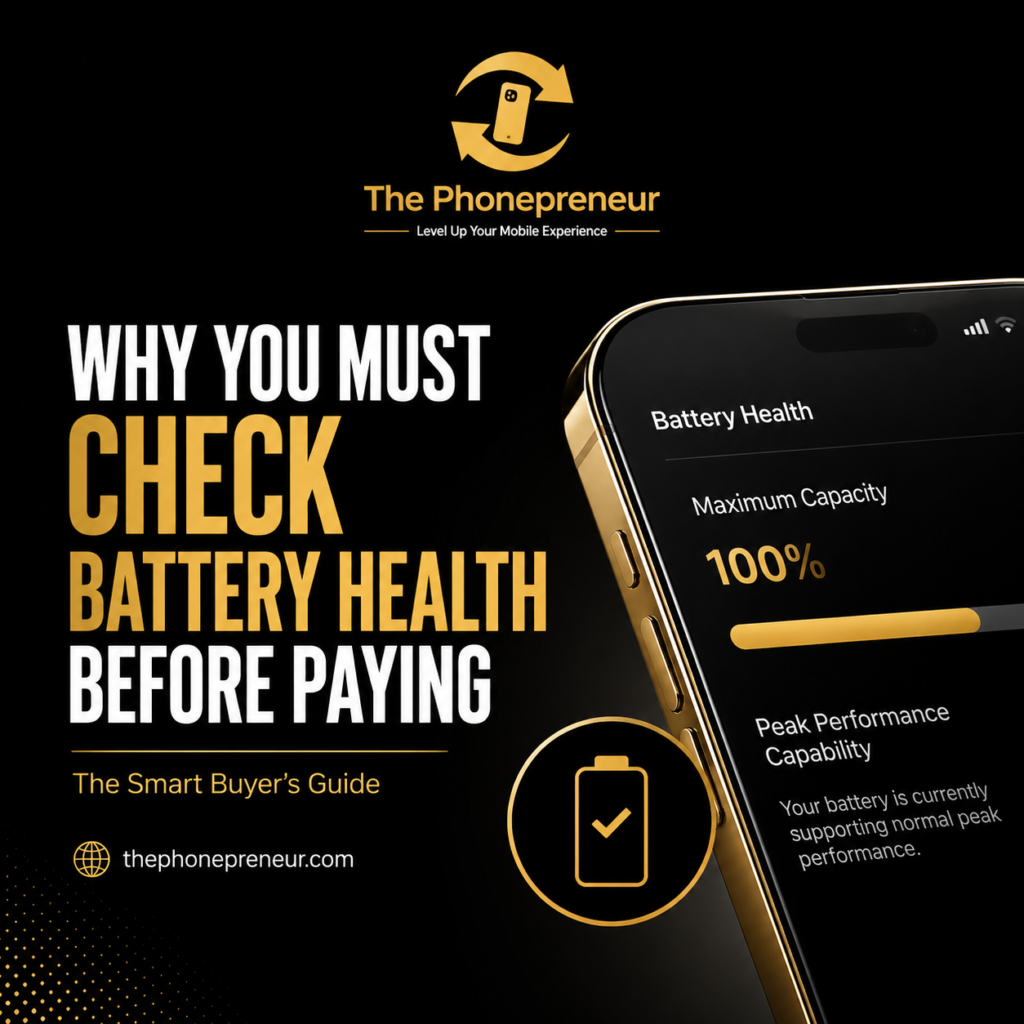
Check the Maximum Capacity percentage. This shows the battery’s capacity relative to when it was factory-new.
⚠️ Important Tip:
Check for any “Important Battery Messages” at the top of the Battery screen. If it displays warnings like “Unknown Part” or “Unable to verify this iPhone has a genuine Apple battery,” the device has had an uncertified third-party battery swap.
2. Checking Battery Health on Android Phones (Samsung, Pixel, Xiaomi)
While Android menu layouts vary slightly depending on the brand, checking battery status is simple:
Samsung Devices: Open the built-in Samsung Members app → Tap Diagnostics → Select Phone Diagnostics → Tap Battery Status to see overall health (Normal, Action Required, or Weak).
Dialer Diagnostic Codes: Open the phone app and dial
*#*#4636#*#*or*#0228#to open hidden system information menus containing battery status reports.Third-Party Diagnostic Tools: Download lightweight, verified utility apps like AccuBattery or CPU-Z from the Google Play Store to run a live health check during testing.
Understanding Battery Health Percentages
Use this reference table when inspecting devices:
| Battery Capacity % | Health Status | What to Expect |
| 90% – 100% | 🟢 Excellent | Full-day battery life; maximum CPU performance supported. |
| 85% – 89% | 🟡 Good | Slight runtime drop; still delivers solid, reliable daily usage. |
| 80% – 84% | 🟠 Fair | Noticeable battery drain; will require midday charging. |
| Below 80% | 🔴 Service Required | Heavily degraded. Expect lag and rapid drain; needs replacement. |
The Phonepreneur Quality Guarantee
A phone may look clean on the outside, but its battery condition can greatly affect your overall experience. At The Phonepreneur, the battery health of every phone is thoroughly checked and verified before it is sold or put up for swap. When you buy from us, you get 100% transparency, verified components, and total peace of mind.
Get in Touch With Us
If you are currently looking to upgrade and want to ensure your next device is a true long-term asset rather than a short-term regret, reach out to our team or walk into any of our Lagos outlets. We are here to help you make a choice that you’ll still be completely in love with years down the line.
At The Phonepreneur, we make it incredibly easy to level up your mobile experience. We sell, we swap, we repair, and we deliver nationwide! If you prefer a hands-on experience, you can also opt for physical pick-up at our locations.
Drop by Our Walk-In Stores in Lagos
Don’t wait until your current phone gives up entirely. We welcome serious buyers to visit our physical walk-in stores in Lagos for instant swaps, expert repairs, or to browse our latest premium inventory:
Shop 1: 2 Pepple Street, Mokland Plaza, 1st Floor Right Wing, Opp. Zenith Bank, Computer Village, Ikeja, Lagos.
Shop 2: Shop 4C, 4th Floor, Mokland Plaza, 3–9 Olu Koleosho Street, Off Simbiat Abiola Road, Computer Village, Ikeja, Lagos. (Landmark: Mokland Hotel; street opposite New Slot, Medical Road).
Reach Our Team Instantly
Have questions about a phone swap, need a quick screen repair before the next big game, or want to lock in a new device? Reach out now:
Call / WhatsApp: 08106360694 | 08146321691
Instagram: @the_phonepreneur
TikTok: @thephonepreneur
OUR LATEST YOUTUBE VIDEO
Discover more from The Phonepreneur Global
Subscribe to get the latest posts sent to your email.