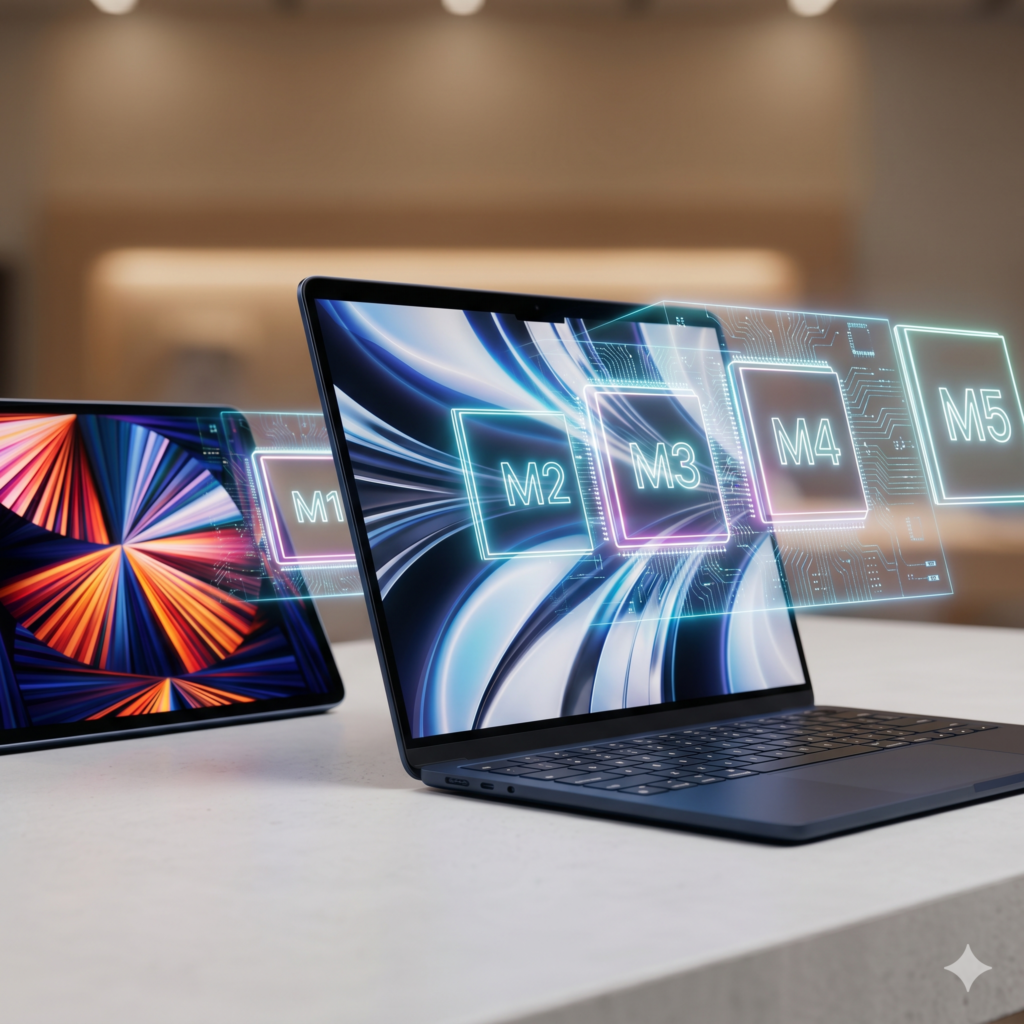
If you are shopping for a MacBook today, especially in the pre-owned market in Nigeria, you will probably encounter two broad categories: older Intel-powered MacBooks and newer Apple Silicon MacBooks powered by the M series. And the price difference can be tempting.
You may find an Intel MacBook at a considerably lower price and wonder: Why should I spend more on an M1, M2, M3 or newer MacBook when this Intel MacBook still looks perfectly good?
That is a very important question because two MacBooks can look almost identical from the outside while delivering very different experiences.
Before you buy, here is what you should know.
What Is an Intel MacBook?
Before Apple developed its own processors for the Mac, MacBooks were powered primarily by Intel processors, including Intel Core i5, Core i7 and Core i9 chips.
This means that many older MacBook Air and MacBook Pro models you will find in the Nigerian pre-owned market are Intel-based machines.
They are genuine MacBooks and, depending on the model and your needs, can still handle everyday tasks.
But they belong to an older generation of Apple’s Mac architecture.
What Is an M Series MacBook?
Apple began transitioning Macs away from Intel processors to its own Apple Silicon in 2020, beginning with the M1 chip.
Since then, the M-series family has expanded substantially.
Depending on the MacBook generation, buyers may encounter chips such as:
M1, M1 Pro, M1 Max, M2, M2 Pro, M2 Max, M3, M3 Pro, M3 Max, M4 and subsequent Apple Silicon generations.
Instead of simply putting another company’s processor inside the Mac, Apple designs these chips specifically around its own hardware and software ecosystem.
That change is one reason the difference between an Intel MacBook and an M-series MacBook is bigger than simply comparing processor names.
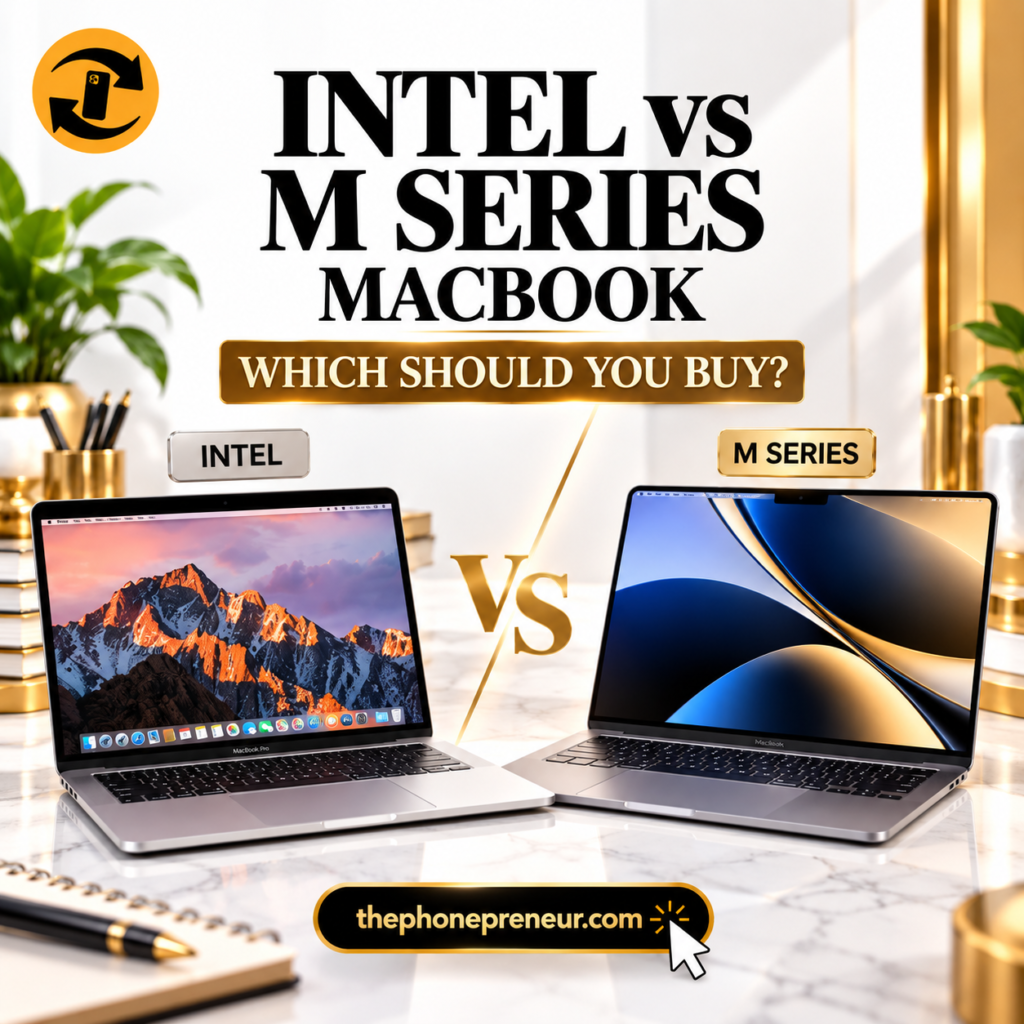
Intel vs M Series MacBook: What’s the Difference?
1. Performance
This is one of the biggest reasons to consider an M-series MacBook.
Even the original M1 dramatically changed expectations for MacBook performance and efficiency.
For ordinary users, an M-series MacBook can comfortably handle tasks such as browsing, Microsoft Office, research, online meetings, WordPress management and content creation.
Higher-end M-series configurations are designed for significantly heavier workloads, including professional video production, software development and other demanding creative work.
That does not automatically make every Intel MacBook useless.
It means you need to be careful about buying an older Intel machine simply because it is cheaper.
2. Battery Life
For someone who works away from a power outlet, battery performance can be a major purchasing factor.
Apple Silicon MacBooks are generally much more power-efficient than the Intel Macs they replaced.
That matters particularly for students, remote workers, business owners and professionals who need a laptop that can remain useful throughout a working day.
Remember, however, that when buying a pre-owned MacBook, the actual condition of the battery matters too.
A good processor cannot compensate for a badly degraded battery.
3. Heat and Fan Noise
Older Intel MacBooks can become noticeably warm when handling demanding workloads.
Some can also produce considerable fan noise.
Apple Silicon’s efficiency changed this considerably.
In fact, several MacBook Air generations using M-series processors operate without a fan at all.
If you regularly work with your laptop on the move, that combination of performance, efficiency and quiet operation can make an M-series MacBook considerably more pleasant to use.
4. Software Support
This is becoming increasingly important.
Intel MacBooks are older machines, and Apple’s transition to Apple Silicon means newer macOS features and future software development increasingly favour Apple’s own processors.
So when comparing two pre-owned MacBooks, don’t only ask:
“Which one is cheaper?”
Also ask:
“How long do I expect to use this laptop?”
A very cheap older MacBook can become poor value if you need to replace it much sooner.
Is an Intel MacBook Still Worth Buying in 2026?
It can be, but only for the right buyer and at the right price.
An Intel MacBook may still make sense if your budget is limited and your needs are relatively basic.
For example, you may mainly need a laptop for:
- Browsing and email
- Microsoft Word and Excel
- Research and schoolwork
- Watching videos
- Basic business administration
- Light web-based work
But the exact year, processor, RAM, storage, battery condition and macOS compatibility matter.
Don’t buy something simply because the lid has an Apple logo.
Should You Buy an M1 MacBook?
For many budget-conscious buyers entering the Apple Silicon generation, the M1 MacBook remains an important model to consider.
It gives you the fundamental advantages of Apple’s transition away from Intel without necessarily requiring the budget for one of the newest MacBooks.
That makes an M1 machine particularly interesting in the pre-owned market.
But price still matters.
If an M1 model and a significantly newer M-series model are priced unusually close together, compare both before paying.
What About M2, M3, M4 and Newer MacBooks?
As you move through the M-series generations, you will find newer designs, improved performance and capabilities that vary according to the specific MacBook and chip configuration.
But newer does not automatically mean you need it.
Someone buying a laptop primarily for documents, browsing, Zoom and ordinary business tasks may not benefit enough from a high-end MacBook Pro configuration to justify the extra expense.
A photographer, developer, designer or video editor may have very different requirements.
This is why buying according to your workload, rather than simply buying the newest MacBook available, is important.
MacBook Air or MacBook Pro?
This question matters almost as much as choosing between Intel and Apple Silicon.
Consider a MacBook Air if:
You prioritize portability, battery efficiency and everyday productivity. It can be an excellent choice for students, writers, business owners, marketers and many general users.
Consider a MacBook Pro if:
Your workload is more demanding and you need capabilities suited to sustained professional work.
But don’t assume “Pro” automatically means better for you.
A newer M-series MacBook Air can be a much smarter purchase for some buyers than an older Intel MacBook Pro.
Intel Core i7 vs M1: Don’t Compare the Names Alone
This is where many buyers can get confused.
You may see an Intel MacBook advertised with a Core i7 or even Core i9 processor and assume that the impressive processor name automatically makes it better than an M1 MacBook.
That is not a reliable way to compare them.
The machines use fundamentally different processor architectures.
You need to compare the actual MacBook models, generation, workload performance, battery efficiency, software support and price, rather than comparing labels alone.
Buying a Pre-Owned MacBook? Check These First
A cheap MacBook can become expensive very quickly if you buy the wrong unit.
Before paying for a pre-owned MacBook, check the exact model and year, processor or Apple chip, RAM, storage capacity, battery health and cycle count, display, keyboard, trackpad, speakers, cameras, charging ports and overall physical condition.
You should also confirm that there are no unwanted account or activation restrictions preventing you from properly setting up and using the Mac.
This inspection is especially important when purchasing older Intel machines.
Which MacBook Should You Buy?
Here is the simplest way to approach it.
Very tight budget: A carefully selected Intel MacBook may still be worth considering if the price is genuinely attractive and the machine meets your basic requirements.
Want affordable Apple Silicon: Start your comparison around the M1 generation.
Everyday productivity with a healthier budget: Compare newer M-series MacBook Air options.
Professional or demanding workloads: Look closely at appropriate MacBook Pro configurations and the Pro/Max-class chips available within your budget.
The goal is not to buy the MacBook with the biggest number.
It is to buy the best MacBook for what you actually do.
Intel vs M Series MacBook: Final Verdict
If your budget allows it, an M-series MacBook is generally the stronger long-term direction for someone buying a MacBook today.
You get Apple’s newer architecture, excellent power efficiency and a platform around which Apple has built the modern Mac ecosystem.
But that does not mean you should automatically reject every Intel MacBook.
At the right price, in good condition and for a light workload, an Intel model can still serve a buyer who understands exactly what they are purchasing.
The mistake is paying too much for an aging Intel MacBook simply because it says MacBook Pro on the machine.
And the opposite mistake is spending heavily on the newest M-series MacBook when an older Apple Silicon model would comfortably handle everything you need.
Compare the machine, condition, specifications, price and your actual workload before you buy.
At The Phonepreneur Global, you can get help choosing a MacBook that fits both your needs and your budget before making your purchase.
WhatsApp: 08106360694 / 08146321691
Store: Shop 4C, Fourth Floor, Mokland Plaza, 3–9 Olu Koleosho Street, off Simbiat Abiola Road, Computer Village, Ikeja, Lagos.
LATEST FROM OUR YOUTUBE CHANNEL
Discover more from The Phonepreneur Global
Subscribe to get the latest posts sent to your email.