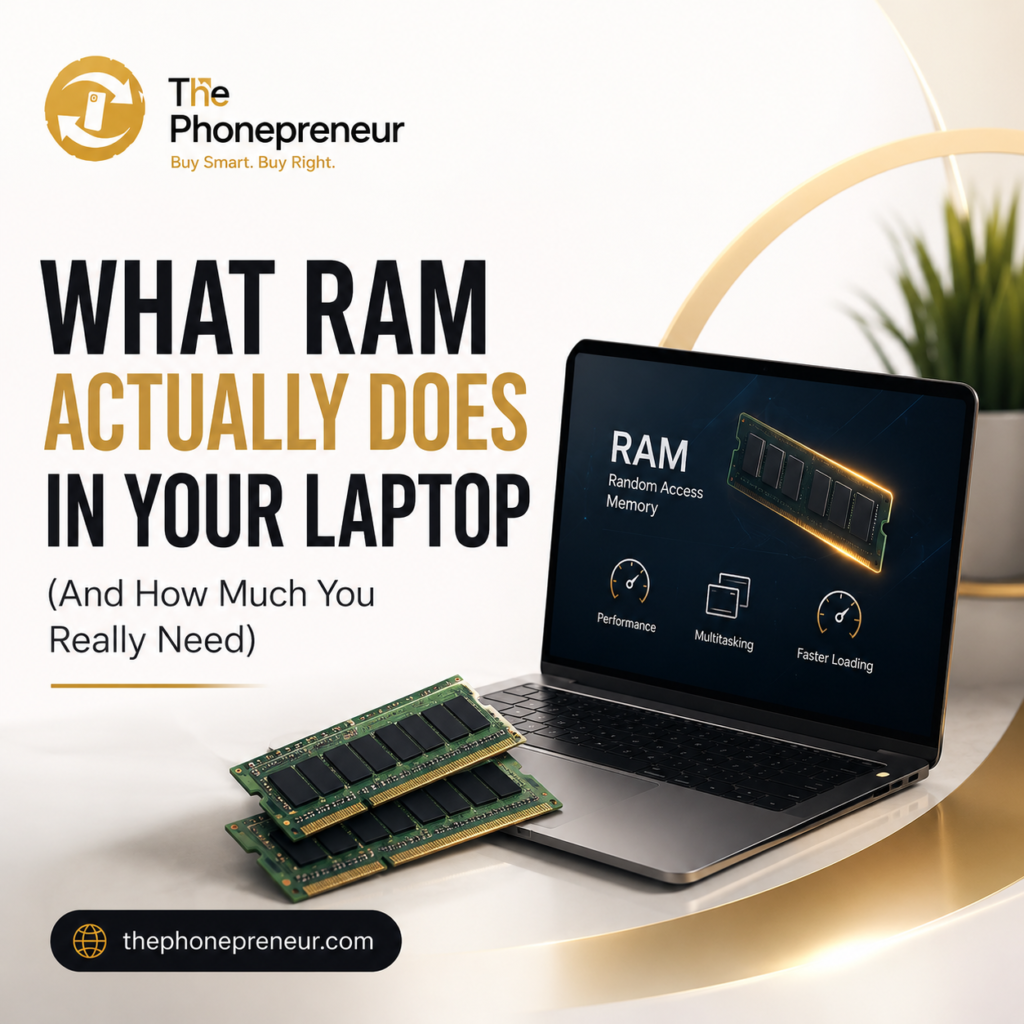
You are shopping for a laptop and see two options. One has 8GB RAM. Another has 16GB RAM. Then someone tells you that 32GB is what you really need if you want a “fast laptop.”
But what does RAM actually do? Does more RAM automatically make a laptop faster? And how much RAM do you genuinely need for work, school, gaming, programming, content creation, or everyday use?
Here is the simple answer:
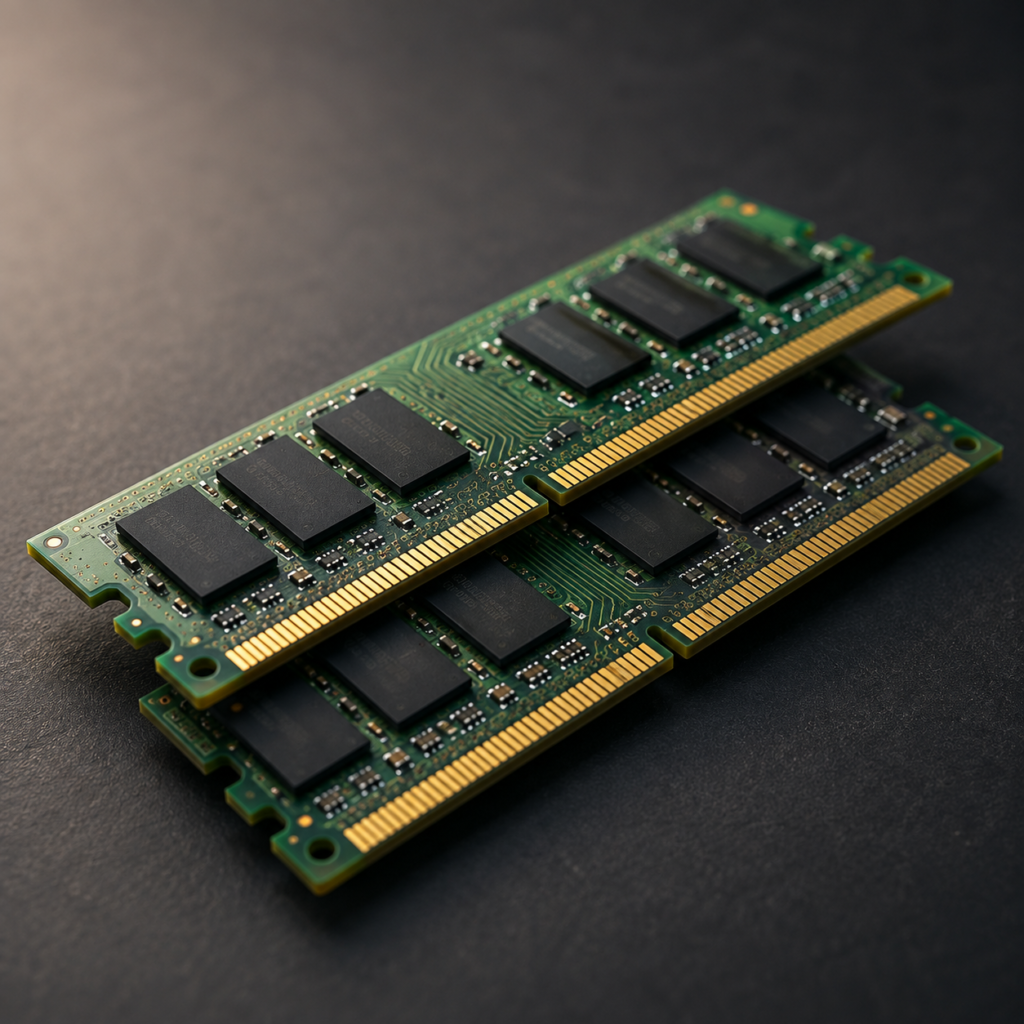
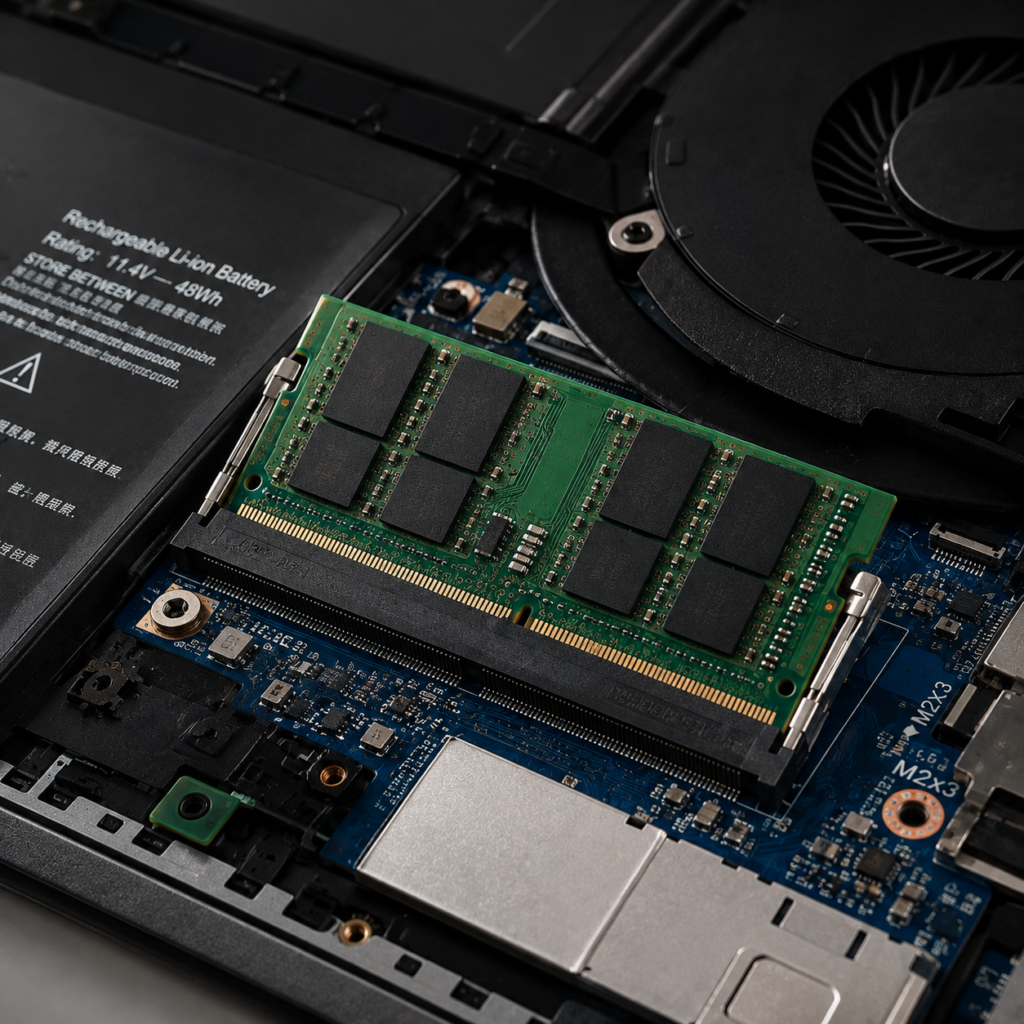
RAM is the short-term working memory your laptop uses to keep programs and information immediately available while you are using them.
For most people today, 8GB is the practical minimum, 16GB is the sweet spot, and 32GB or more is mainly necessary for demanding professional workloads.
At The Phonepreneur, we help customers choose laptops based on what they actually need, not simply the biggest numbers on a specification sheet.
Let us break RAM down without the technical confusion.
Buy Samsung Galaxy Buds in Nigeria
What Is RAM in a Laptop?
RAM stands for Random Access Memory.
Now, you think of your laptop as an office. Your SSD or hard drive is the filing cabinet where documents are stored long-term. Your RAM is your desk. When you need a document, you take it out of the filing cabinet and put it on your desk so you can work with it quickly.
The larger your desk, the more documents, books, calculators and other materials you can have open at the same time without constantly putting things away. Right?
Your laptop works similarly.
When you open Chrome, Microsoft Word, Photoshop, Spotify, WhatsApp, Excel or another application, your computer loads the information it currently needs into RAM because RAM can be accessed extremely quickly.
The more things you do simultaneously, the more RAM your laptop needs.
What Does RAM Actually Do?
RAM primarily helps your laptop handle active applications and multitasking efficiently.
Imagine you are working with:
- 15 Chrome tabs
- Microsoft Word
- Excel
- Spotify
- Canva
- A PDF document
All at the same time.
Each application consumes some of your available RAM.
If your laptop has sufficient RAM, switching between these applications should feel relatively smooth.
If you run out of available RAM, however, your operating system has to rely more heavily on your SSD or other storage as temporary memory.
Because storage is significantly slower than RAM, this can cause noticeable slowdowns.
That is when you may begin experiencing:
- Applications taking longer to respond
- Browser tabs constantly reloading
- Freezing or stuttering
- Slow switching between programs
- Applications unexpectedly closing
- General sluggishness during heavy multitasking
This is why RAM matters.
How Much RAM Do You Really Need?
Here is the practical answer.
| RAM | Best For | Recommendation |
|---|---|---|
| 4GB | Very basic computing | Avoid for most modern Windows laptops |
| 8GB | Students, office work, browsing, everyday users | Good minimum |
| 16GB | Professionals, programmers, marketers, creators, serious multitasking | Best choice for most users |
| 32GB | Video editors, developers, engineers, heavy creators | Excellent for demanding workloads |
| 64GB+ | Advanced professional workloads | Specialist use |
Who Actually Needs 32GB RAM?
You should consider 32GB RAM if you regularly perform tasks such as:
- Professional 4K video editing
- Large Photoshop projects
- After Effects compositions
- 3D modelling
- CAD
- Engineering applications
- Large data analysis
- Running virtual machines
- Advanced software development
- Music production with large sample libraries
- Heavy professional multitasking
For these users, 32GB is not merely about having impressive specifications.
The applications can genuinely consume that memory.
For the average student who uses Word and Chrome, however, 32GB would usually be unnecessary.
Do You Need 64GB RAM?
Probably not.
64GB RAM and above is generally workstation territory.
It can make sense for professionals working with enormous datasets, complex simulations, high-resolution video production, multiple virtual machines, professional 3D environments and similarly memory-intensive workloads.
If you have to ask whether you need 64GB RAM, there is a good chance you do not.
People whose workflows genuinely require that amount of memory usually already know why they need it.
How Much RAM Do Students Need?
For most students, 8GB RAM is sufficient, while 16GB provides greater longevity and multitasking capacity.
An arts, education or humanities student using browsers, PDFs, Microsoft Office and online classes will usually be comfortable with 8GB.
A computer science, engineering, architecture or media-production student may benefit significantly from 16GB or even 32GB depending on the software required for the course.
Do not buy based solely on the word “student.”
Buy according to what the student will actually be doing.
How Much RAM Do You Need for Programming?
For basic programming and web development, 8GB can work, but 16GB is strongly preferable for a comfortable development environment.
Developers frequently run:
- An IDE
- Multiple browser tabs
- Local servers
- Databases
- Communication applications
- Development tools
- Containers or virtual machines
Those applications quickly consume memory.
For heavier development involving virtual machines, Docker containers, Android development or large projects, 16GB to 32GB may be more appropriate.
How Much RAM Do You Need for Video Editing?
For light 1080p editing, 16GB RAM is a good starting point.
For heavier editing, particularly 4K footage, complex timelines, multiple effects or professional applications, 32GB can provide a much smoother workflow.
However, remember that video-editing performance also depends heavily on your processor and graphics card.
Buying enormous amounts of RAM cannot compensate for an inadequate CPU or GPU.
How Much RAM Do You Need for Gaming?
For modern gaming, 16GB RAM is generally the sensible target.
Some lighter games can run with 8GB, while demanding games and users who game while streaming, recording or running several background applications may benefit from 32GB.
But once again, RAM is only part of the equation.
Your GPU and CPU usually have a much greater impact on gaming performance.
RAM vs Storage: They Are Not the Same Thing
This is one of the most common areas of confusion when buying laptops.
16GB RAM and 512GB SSD do completely different jobs.
RAM is temporary working memory.
SSD capacity is permanent storage.
So if a laptop says:
16GB RAM / 512GB SSD
it means the laptop has 16GB of working memory and 512GB of storage space for Windows, applications and your files.
Adding more RAM does not give you more space for photographs and videos.
And buying a larger SSD does not necessarily give your laptop more multitasking capacity.
You need the right balance of both.
Can You Upgrade Your Laptop’s RAM Later?
Sometimes.
Many traditional business laptops have replaceable or upgradeable RAM modules.
However, an increasing number of thin-and-light laptops use soldered RAM, meaning the memory is permanently attached to the motherboard and cannot easily be upgraded.
This makes checking upgradeability particularly important before purchasing.
If a laptop has soldered 8GB RAM and your workload is likely to require 16GB in the future, buying the 16GB version from the beginning may be the wiser investment.
Ask the seller whether the RAM is upgradeable or soldered before you buy.

Is 8GB RAM + 512GB SSD Better Than 16GB RAM + 256GB SSD?
It depends on your needs.
If you keep many applications open and perform demanding work, 16GB RAM + 256GB SSD may give you better multitasking performance.
If your work is relatively light but you store many documents, photographs and applications locally, 8GB RAM + 512GB SSD may be more convenient.
However, storage can often be expanded externally or replaced later on compatible laptops.
RAM, particularly soldered RAM, may not be upgradeable.
For a professional buying a laptop for several years of use, 16GB RAM with adequate SSD storage is usually the stronger long-term combination.
8GB vs 16GB RAM: Which Should You Buy?
If your budget permits it and you plan to keep your laptop for several years, 16GB is the safer choice for most professionals and serious users.
Choose 8GB if:
- Your budget is limited
- Your workload is relatively light
- You mainly browse, study and use Office applications
- The laptop allows future RAM upgrades
Choose 16GB if:
- You multitask heavily
- You work professionally on your laptop
- You use creative or development applications
- You want better long-term headroom
- The laptop’s RAM cannot be upgraded later
There is no benefit in buying specifications simply for bragging rights.
The goal is to buy enough RAM for your actual workload, with reasonable room for future needs.
Frequently Asked Questions About Laptop RAM
What does RAM do in a laptop?
RAM temporarily stores the data and instructions that your laptop’s active applications need for quick access. Having sufficient RAM allows the computer to run and switch between multiple applications more efficiently.
Is 8GB RAM enough in 2026?
For basic browsing, Microsoft Office, online classes, streaming and everyday productivity, 8GB can still be sufficient. Heavy multitaskers and professionals should generally consider 16GB.
Is 16GB RAM enough for most people?
Yes. For most professional and personal laptop workloads, 16GB provides an excellent balance between performance, multitasking ability and cost.
Is 32GB RAM overkill?
For ordinary browsing and office work, usually yes. For professional video editing, virtual machines, software development, engineering, 3D work and other memory-intensive applications, 32GB can be very useful.
Does increasing RAM increase laptop speed?
It can significantly improve performance if insufficient RAM is currently creating a bottleneck. Adding RAM beyond what your applications actually use will generally provide little noticeable improvement.
Is RAM more important than the processor?
Neither can completely replace the other. RAM affects how comfortably your computer handles active data and multitasking, while the processor determines how quickly many computing instructions are executed. A well-balanced laptop needs both.
Is 16GB RAM good for a laptop for the next few years?
For most users, yes. 16GB provides considerably more headroom than 8GB for increasingly demanding browsers, operating systems and applications.
Need Help Choosing the Right Laptop?
Not sure whether you need 8GB, 16GB or 32GB RAM?
At The Phonepreneur, we can help you choose a laptop based on your work, school, business or creative needs, not just the numbers written on the specification sheet.
Whether you need an affordable everyday laptop or a powerful machine for professional workloads, you can compare available options and get straightforward guidance before spending your money.
Shop laptops: ThePhonepreneur.com
Call / WhatsApp: 08106360694 | 08146321691
Instagram: @the_phonepreneur
Visit: Computer Village, Ikeja, Lagos.
Discover more from The Phonepreneur Global
Subscribe to get the latest posts sent to your email.