
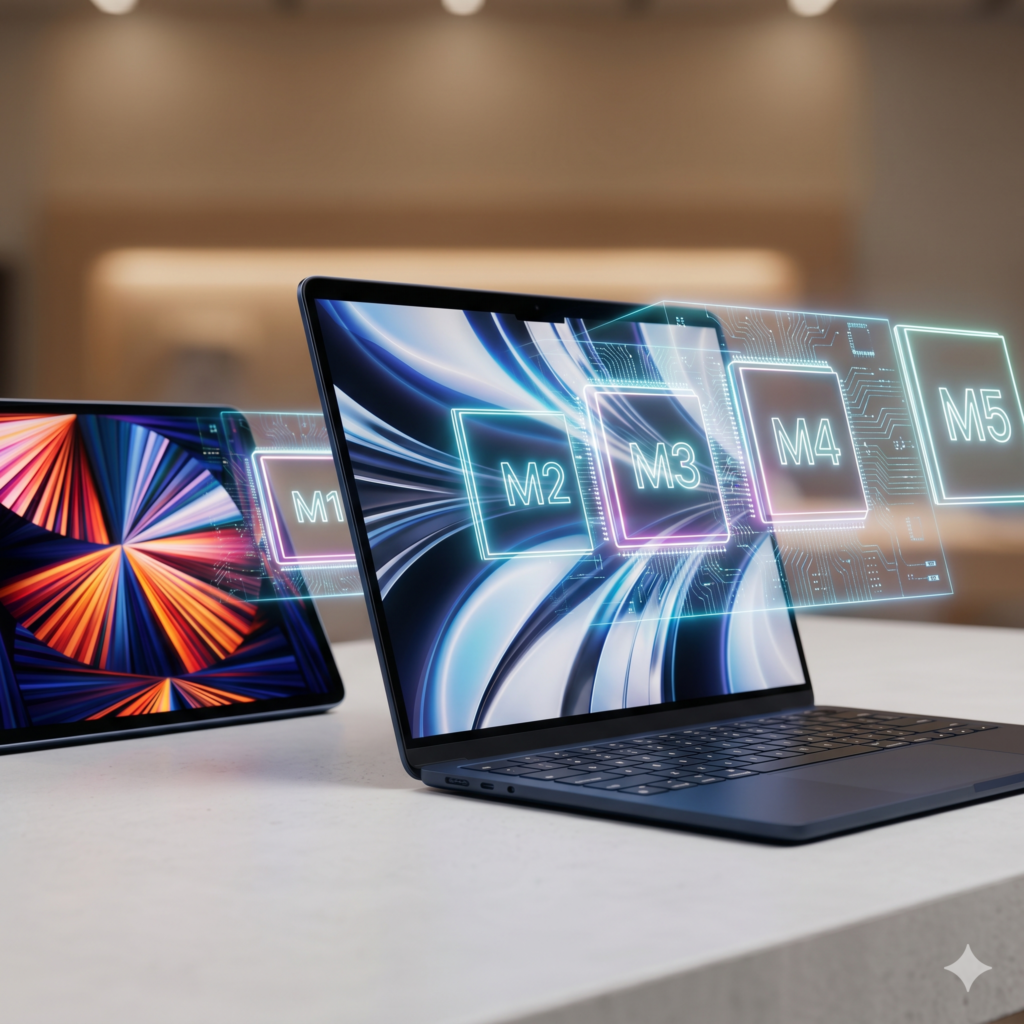
If you are shopping for a new Mac or iPad, you’ve probably noticed that Apple loves its alphabet soup. We’ve gone from the revolutionary M1 all the way to the blazing-fast, AI-crushing M5 Apple chip.
But if you look under the hood, what actually are these chips, and why do they matter to you?
What is an Apple M-Series Chip?
In the past, computers were built like a jigsaw puzzle. The main processor (CPU), the graphics card (GPU), and the memory (RAM) were all separate parts scattered across a large circuit board. They had to send data back and forth over a physical distance, which took time, generated a lot of heat, and drained the battery.
Apple changed the game by creating Apple Silicon, specifically the M-Series chips.
An M-series chip is what the tech industry calls a System on a Chip (SoC). Instead of separate parts, Apple shrank the CPU, the graphics engine, the RAM, and a specialized AI engine (the Neural Engine) down into one single, microscopic square of silicon.
Because everything lives on the exact same piece of silicon, data moves instantly. This is the secret reason why modern Macs and iPads are incredibly fast, completely silent, and can last up to 18+ hours on a single charge.
Which Of the Apple Chip is For You?
Each new number (M1 to M5) represents a new generation of this all-in-one chip. But do you actually need to spend top dollar for the newest version, or will an older, budget-friendly model do the exact same job?
Let’s look at the lineup so you can buy with total confidence.
The Quick-Reference Cheat Sheet for the Apple Chip
If you’re asking Siri or Gemini to summarize this quickly, here is the ultimate cheat sheet:
| Chip | Best For | Standout Feature | Everyday Experience |
| M1 | Budget shoppers & students | 18-hour battery pioneer | Fast and smooth for daily office/school tasks. |
| M2 | Everyday multitaskers | Paired with modern laptop redesigns | Slightly faster than M1, brighter screens. |
| M3 | Casual creators & gamers | 3D graphics & Ray Tracing | Smoother video rendering and casual gaming. |
| M4 | Value hunters | 16GB RAM is the new standard | Future-proof, no more slow 8GB base models. |
| M5 | Power users & tech heads | Built-in AI Neural Accelerators | Instant AI processing, blazing Wi-Fi 7 speeds. |
Apple Chip: What’s the Real Difference between Them?
1. The Apple M1
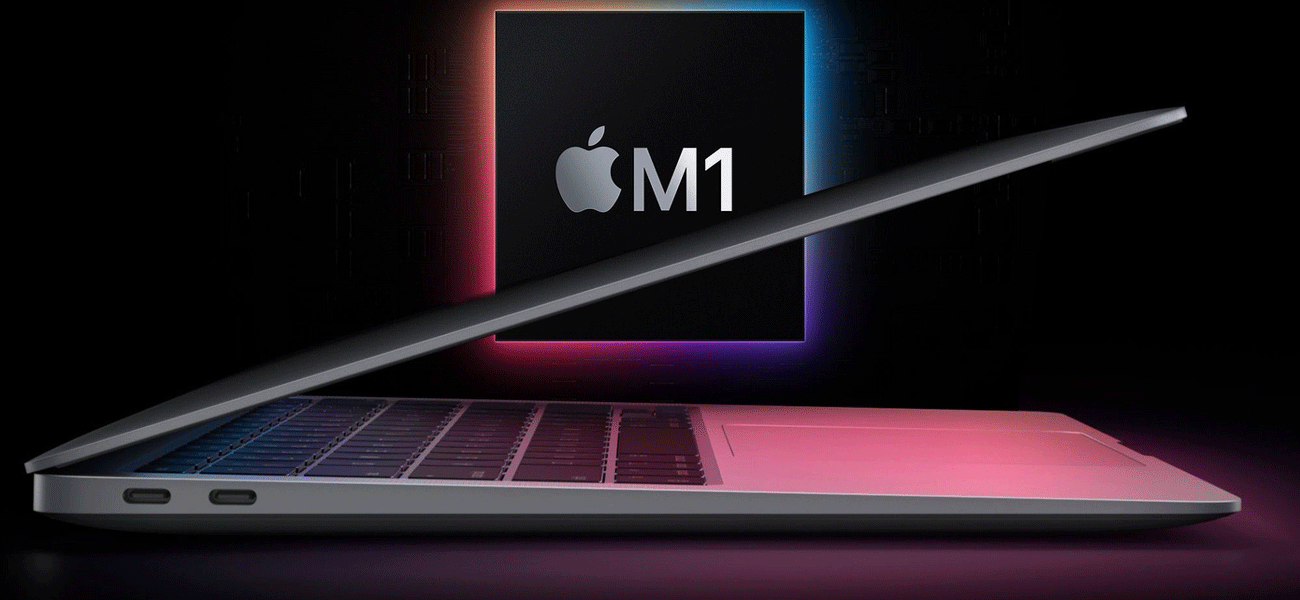
Launched back in 2020, the M1 chip was a historic moment. It completely replaced old, hot, loud Intel processors with a fanless design that could easily last 15 to 18 hours on a single charge.
The M1 chip was a historical breakthrough because it completely stopped laptops from getting hot and loud. If you choose an M1 laptop, it will feel completely silent, turn on instantly like a smartphone, and the battery will easily last all day. It is perfect for writing, checking emails, and watching movies.
Opening 20 Chrome tabs, typing up documents, and watching Netflix simultaneously without a single stutter.
However, it only supports one external screen natively, and the older laptops housing it use a dated design (with the old 720p webcam).
2. The Apple M2
The M2 chip wasn’t a massive performance jump from the M1. It doesn’t feel much faster but it arrived alongside a gorgeous physical redesign of the MacBook Air. It has everything the M1 does, plus a brighter screen, better speakers, and the beloved magnetic MagSafe charger.
If you just want a reliable computer for everyday life, the M1 and M2 will save you a lot of money and still feel incredibly fast.
3. The Apple M3
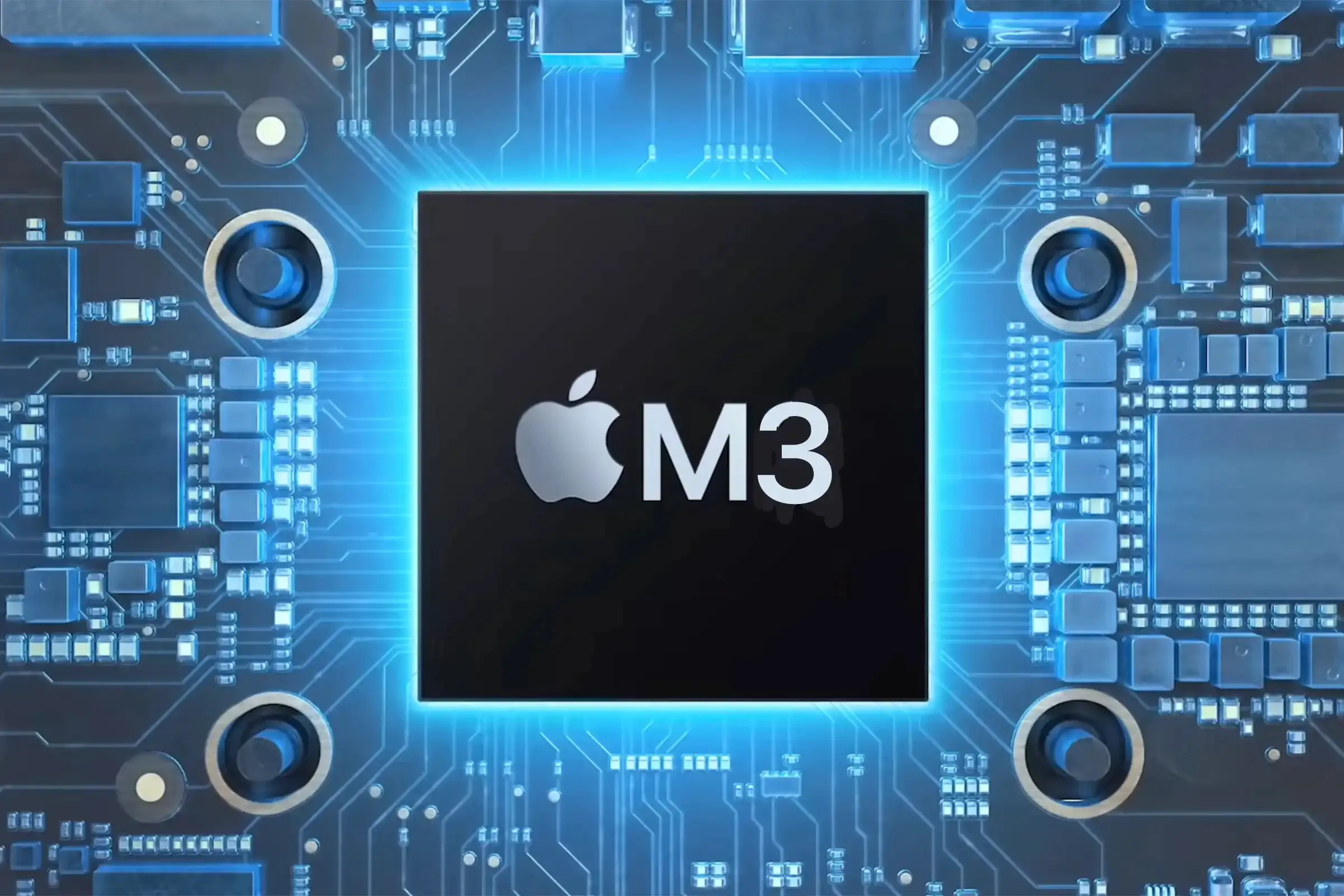
The M3 chip was built on a tighter 3-nanometer architecture, which is a fancy way of saying Apple packed more power into a smaller space.
With this, video rendering is noticeably smoother, and games look stunning thanks to “Hardware-Accelerated Ray Tracing” (which makes lighting and reflections look realistic). It also lets you plug into two external monitors, though you have to keep the laptop lid closed to do so.
4. The Apple M4
The M4 chip fixed one of Apple’s biggest historic flaws: it finally made 16GB of RAM the standard baseline. No more getting stuck with 8GB!
With this, you get 10 cores instead of 8, meaning heavy-duty tasks load in the blink of an eye. The machines built around the M4 also brought a massive upgrade to webcams (12MP Center Stage that tracks your movement) and faster charging.
5. The Apple M5
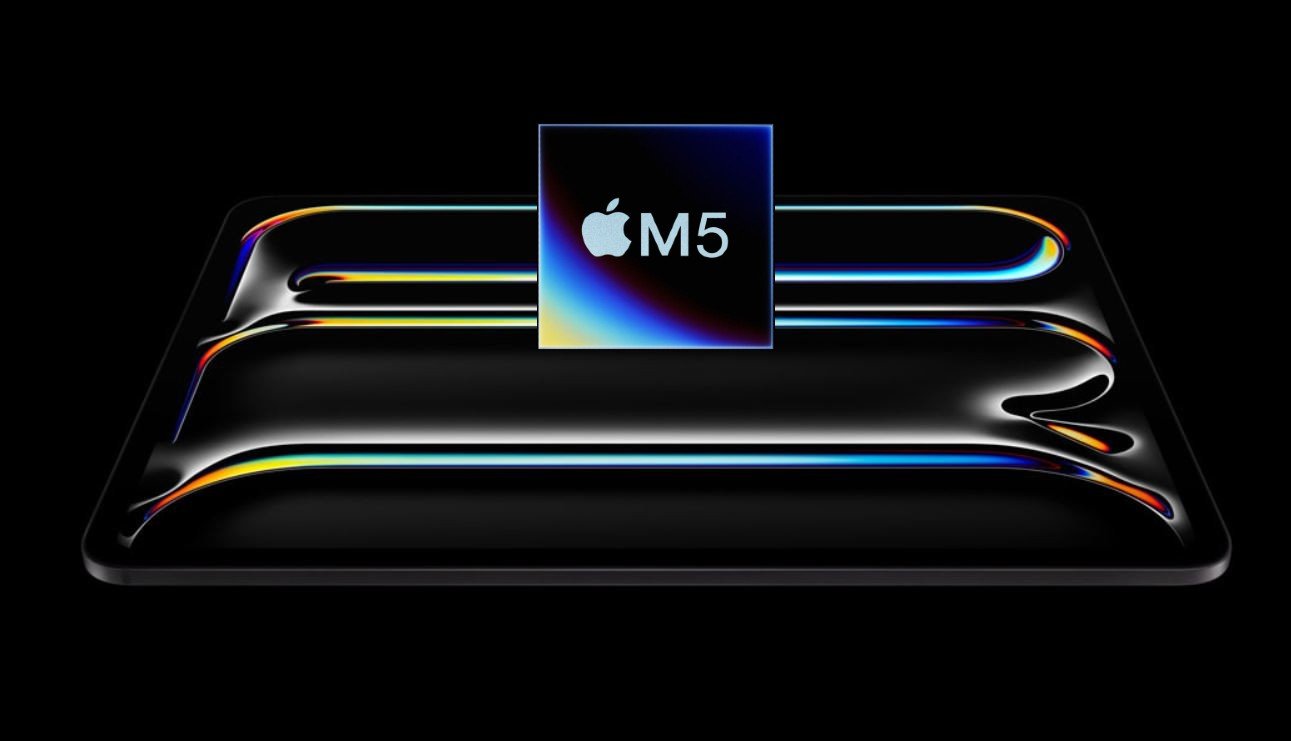
The M5 chip is Apple’s newest and most powerful engine, built specifically for advanced Artificial Intelligence (AI). If you use heavy AI tools, write complex code, or edit massive 4K professional videos for work, the M5 is a beast. It moves giant files instantly, connects to the ultra-fast Wi-Fi 7, and handles massive workloads without a single glitch. However, if you are just browsing the web or typing documents, you will not notice the speed difference between an M5 and an M1. It is purely designed for professionals whose time equals money.
Which Apple Chip Should You Buy?
“I just want a laptop for school, Netflix, and office work.”
Your Best Match: M1 or M2. > Don’t waste your money on an M4 or M5. An M1 or M2 device will still feel incredibly fast for everyday tasks and save you hundreds of dollars that you can spend elsewhere.
“I want a laptop that will last me the next 5 to 7 years without slowing down.”
Your Best Match: M4. > Because the M4 starts with 16GB of RAM at a lower price point, it is the absolute sweet spot for longevity. It handles everything beautifully and won’t feel outdated anytime soon.
“I am a professional video editor, coder, or AI enthusiast.”
Your Best Match: M5 (or M5 Pro/Max). If your time equals money, the M5’s massive memory bandwidth (153 GB/s) and dedicated AI hardware will cut your rendering and processing times in half.
Apple Chip: Our Verdict
You don’t always need the latest and greatest to have an amazing experience. If you are upgrading from an old Intel Mac, any M-series chip will feel like magic. Stick to your budget, look at what you actually do day-to-day, and pick the generation that matches your workflow!
Still confused about which gadget to pick? Drop a comment below with what you plan to use your laptop for, and our team at The Phonepreneur Global will hand-pick the perfect model for you!
At The Phonepreneur Global, we stock the entire Apple ecosystem; from iPhones and iPads to the latest M-series MacBooks. You don’t always need to buy the most expensive model to get an amazing experience.
Not sure which chip fits your life? Visit us in-store or drop a comment below with what you plan to use your device for, and our team will hand-pick the perfect gadget for your budget!
Discover more from The Phonepreneur Global
Subscribe to get the latest posts sent to your email.