


Buying an iPhone in Nigeria isn’t just a simple tech upgrade, it’s a major financial investment. With prices ranging from hundreds of thousands to millions of Naira, walking into a tech hub like Computer Village or scrolling through Instagram to find a device can feel like navigating a minefield.
Every single week, there’d always be a customer wo bemoans his scam: “I bought this iPhone just two months ago, and I deeply wish someone had warned me before I paid.”
You don’t have to learn the hard way. To protect your hard-earned Naira, we’re breaking down the 10 biggest mistakes Nigerians make when buying iPhones and how you can avoid them.
The 10 Most Critical iPhone Buying Mistakes to Avoid
1. Buying the Wrong Storage Capacity
It’s incredibly tempting to buy a 64GB or 128GB iPhone because it fits comfortably into your current budget. But fast forward three months: you’ve downloaded a few essential apps, shot some 4K videos, and suddenly: “Storage Full.”
Unlike many Android devices, iPhones do not have expandable storage. If you are a content creator, business owner, or someone who takes countless photos, saving a little money on storage upfront will turn into an expensive, frustrating mistake later. Aim for at least 128GB or 256GB if you intend to keep the phone long-term.
2. Buying Based on Battery Health Alone
“Boss, this one is 100% Battery Health!”
In the Nigerian second-hand iPhone market, “100% BH” is treated like a holy grail. But here is the truth: Battery health can be easily boosted or manipulated. A pristine, carefully used UK-used iPhone with 88% original battery health is often a significantly better buy than a poorly repaired phone showing a boosted 100%. Don’t let a single percentage number blind you to hidden hardware issues.
3. Ignoring a Disabled Face ID
When a seller tells you, “Everything is working perfectly, only Face ID is down,” run.
-
Security & Convenience: You lose biometric security and banking app convenience.
-
Underlying Damage: A disabled Face ID usually indicates a poorly replaced screen, front camera tampering, or severe water damage.
-
Resale Value: A phone without Face ID plummets in value, making it incredibly difficult to swap or sell later.
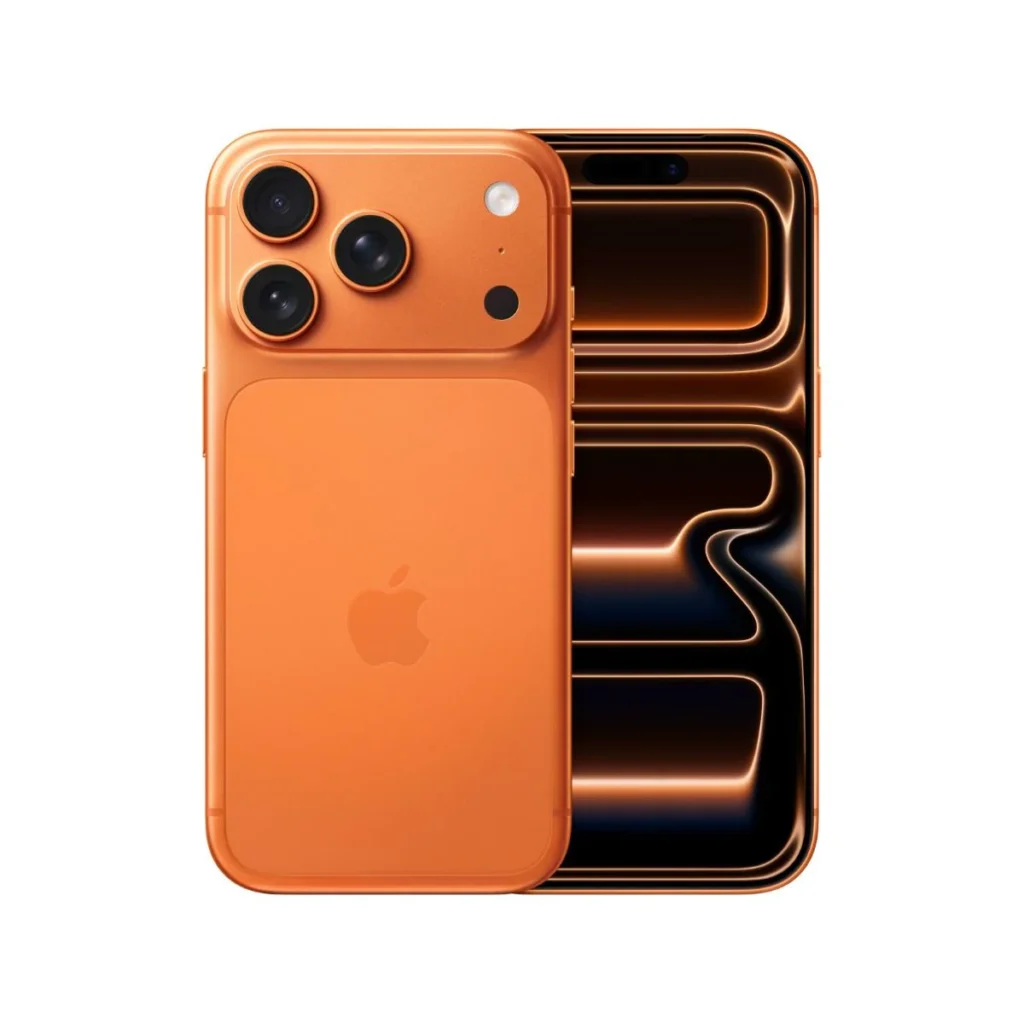
4. Automatically Choosing the Cheapest Option
If the market average for a clean UK-used iPhone 13 Pro Max is ₦750,000, and someone offers it to you for ₦600,000, stop and ask why.
| The Cheap iPhone Price Tag | The Hidden Reality |
| Drastically Lower Price | Changed/Non-genuine screen |
| “Direct from Abroad” (No Verification) | Network locked or bad baseband |
| No Warranty Provided | Liquid damage or missing internal parts |
The Phonepreneur Golden Rule: Always ask why it is cheap. Cheap can quickly become the most expensive mistake of your year.
5. Buying More Phone Than Your Lifestyle Demands
Do you actually need an iPhone 15 Pro Max, or do you just like the prestige of holding one?
-
Students & Everyday Users: A standard iPhone 13 or 14 offers incredible performance and battery life without breaking the bank.
-
Heavy Creators & Gamers: This is where investing extra cash into a Pro or Pro Max model makes sense for the 120Hz refresh rate and advanced telephoto lenses.
Match your phone to your actual daily needs, not just social media trends.
6. Ignoring Warranty and After-Sales Support
The transaction shouldn’t end when cash changes hands. Many buyers skip out on verified dealers to save a few thousand Naira with roadside sellers, only to find themselves stranded when the phone stops turning on a week later. Insist on buying from stores that offer a clear testing period and a valid after-sales warranty.
7. Falling for “Too-Good-To-Be-True” Online Ads
Instagram and TikTok are flooded with scammers using fake invoices, edited receipts, and sponsored ads showing ridiculously cheap gadgets. Never pay upfront to an unverified online vendor for “delivery first.” If they cannot accommodate a physical inspection or a secure pay-on-delivery arrangement at a verified location, keep your money.
8. Neglecting a Rigorous Physical Inspection
Don’t just glance at the screen and put it in your pocket. Take your time to inspect every single millimeter of the device:
-
The Frame & Corners: Check for deep dents that imply heavy drops.
-
Camera Lenses: Look closely for internal dust or microscopic cracks.
-
Ports & Buttons: Test the clickiness of the volume keys and see if the charging port holds the cable tightly.
-
Audio: Play a song at full blast to test both the top and bottom speakers.
9. Failing to Check the iCloud Status
Never hand over cash until you have personally verified that the previous Apple ID has been completely signed out and the device is factory reset.
Warning: If an iPhone is locked to an iCloud account you don’t own, you essentially have an expensive brick. Always go to Settings > General > Transfer or Reset iPhone to clear the device before leaving the store.
10. Buying Without Asking the “Expert Checklist” Questions
Before you make your payment, make sure you put these direct questions to the vendor:
-
Is this phone factory unlocked or network locked?
-
Has any part (screen, battery, camera) been replaced?
-
What accessories are included in this price?
-
What is your return and swap policy?
The Phonepreneur Diagnostic Approach
Whenever a customer walks into a The Phonepreneur store, our teamdoesn’t just ask you for your budget. We ask about your life:
-
What do you primarily use your phone for?
-
How long do you plan to keep this device?
-
Are you a content creator or traveler who relies heavily on battery and cameras?
We believe buying an iPhone shouldn’t feel like a game of chance. Our job is to make sure you walk away with the right device for your life, not just the most expensive one on the shelf.
What’s Coming Next?
Now that you know what errors to avoid, how do you pick the right device for 2026? In another blog, we’ll be doing a side-by-side comparison of every major iPhone model available on the market right now to help you find the absolute best value for your specific budget.
Have you ever fallen victim to one of these mistakes? Let us know your experience in the comments below, or visit us in-store today to upgrade your device with total peace of mind!
Get in Touch With Us
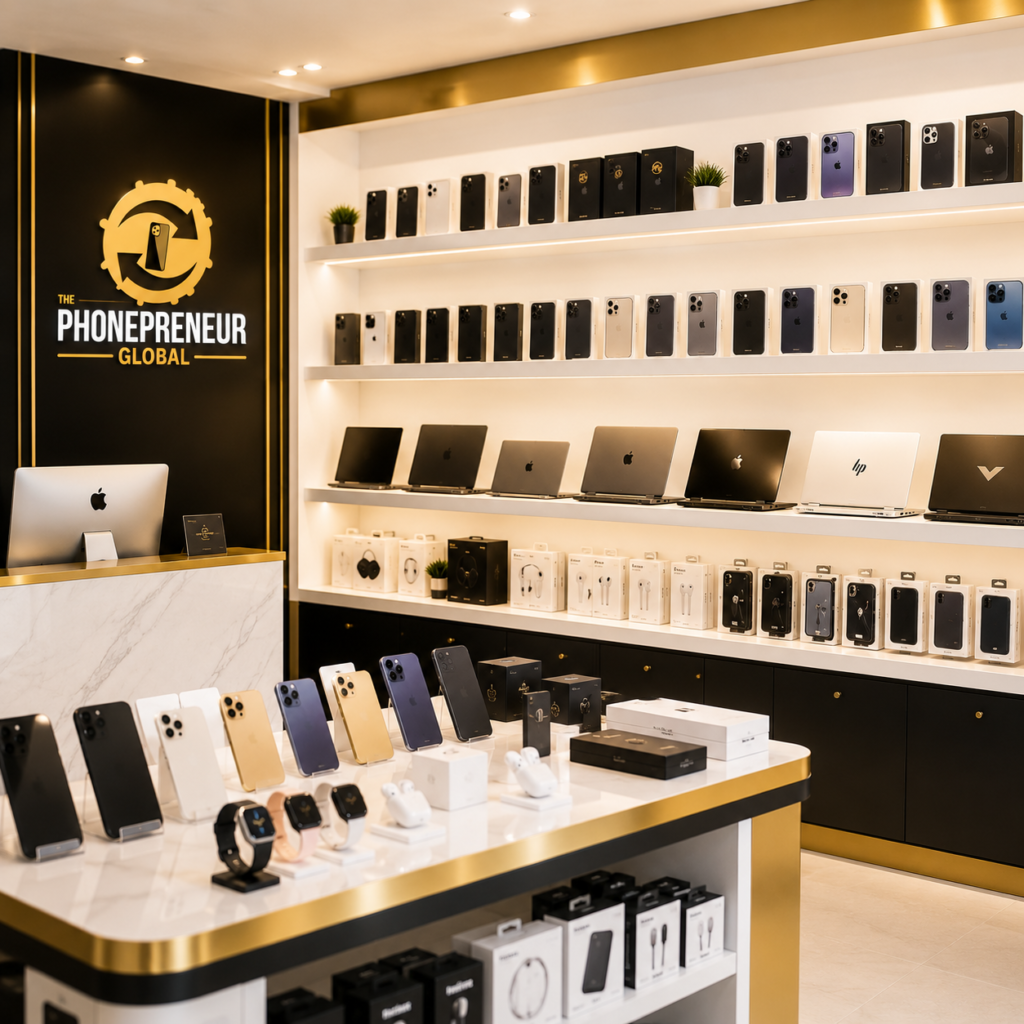
At The Phonepreneur, we make it incredibly easy to level up your mobile experience. We sell, we swap, we repair, and we deliver nationwide! If you prefer a hands-on experience, you can also opt for physical pick-up at our locations.
Drop by Our Walk-In Stores in Lagos
Don’t wait until your current phone gives up entirely. We welcome serious buyers to visit our physical walk-in stores in Lagos for instant swaps, expert repairs, or to browse our latest premium inventory:
-
Shop 1: 2 Pepple Street, Mokland Plaza, 1st Floor Right Wing, Opp. Zenith Bank, Computer Village, Ikeja, Lagos.
-
Shop 2: Shop 4C, 4th Floor, Mokland Plaza, 3–9 Olu Koleosho Street, Off Simbiat Abiola Road, Computer Village, Ikeja, Lagos. (Landmark: Mokland Hotel; street opposite New Slot, Medical Road).
Reach Our Team Instantly
Have questions about a phone swap, need a quick screen repair before the next big game, or want to lock in a new device? Reach out now:
-
Call / WhatsApp: 08106360694 | 08146321691
-
Instagram: @the_phonepreneur
-
TikTok: @thephonepreneur
Discover more from The Phonepreneur Global
Subscribe to get the latest posts sent to your email.