iPhones

10 Reasons You Need to Change Your Phone Now

10 Reasons You Need to Change Your Phone Now!

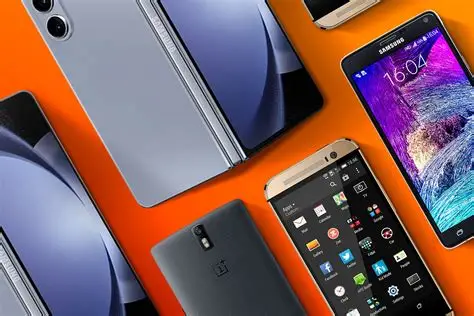
If your phone is slowing you down, draining your battery, or embarrassing you in public, it is probably time to upgrade. We all depend on our phones for business, school, banking, entertainment etc, but a weak device can cost us time, money, and opportunities. This is why we probably need to change the phone we are currently using if it is not serving. Here are ten clear reasons to change your phone today. Also Read: 1. Your Battery Drains Like Pure Water If your phone hits 20 percent before noon, the battery is tired. Newer phones last longer, charge faster, and handle heavy use without stress. No more walking around with a power bank like it is your second phone. 2. Your Phone Slows Down During Simple Tasks If your phone hangs when you open WhatsApp or freezes during a bank transfer, your processor is holding you back. Modern apps need more power. Newer devices handle multitasking with ease. 3. You Are Missing Important Security Updates Old phones stop receiving updates. That puts your banking apps, passwords, and personal data at risk. Upgrading means better protection against scams and malware. 4. Your Storage Is Always Full If you are always deleting photos, videos, and apps just to free space, you need more storage. Newer phones give you more room and smarter storage tools that keep your device fast. 5. Your Camera Is Not Keeping Up Blurry photos. Dark selfies. Shaky videos. If this sounds familiar, your camera is behind the times. New phones come with sharper sensors, better night mode, and clearer video quality. Perfect for content creators, sellers, and anyone who wants crisp memories. 6. Your Screen Is Cracked or Too Dim A cracked screen does not only look bad. It can hurt your eyes and even cut your fingers. New screens are brighter, smoother, and more durable. 7. Your Phone Charges Too Slowly Waiting two hours for a full charge is unnecessary. Most modern devices go from zero to fifty percent in minutes. Faster charging means less time plugged in and more time doing what matters. 8. You Do Not Have 5G Support Nigeria’s 5G rollout is growing. If your phone cannot use it, you are stuck on slower networks. A 5G phone gives you faster downloading, smoother streaming, and clearer video calls. 9. Your Phone Has Lost Its Value The longer you keep an outdated device, the lower its swap or trade-in value. Upgrading now helps you save money. At ThePhonePreneur.com, we offer fair swaps that put you closer to the phone you really want. 10. You Want Features Your Current Phone Can’t Handle From better gaming performance to AI photo editing, newer phones bring features that older models simply cannot support. A new device makes work easier and entertainment better. Why Buy From ThePhonePreneur.com? We are your reliable source for new and UK used smartphones, repairs, and phone swaps. You will find us right at the heart of Computer Village, Lagos. We offer: Fair prices Trusted quality Fast repairs Smooth and honest swap deals Expert guidance to help you pick the right device Rounding Off…. If your phone is stressing you, slowing you down, or costing you opportunities, it is time to upgrade. Visit thephonepreneur.com or stop by our shop in Computer Village. We help you choose a device that fits your budget and lifestyle, whether you want the latest model or a clean UK used option.

10 Reasons You Need to Change Your Phone Now! Read More »

Pro Photography Tips for iPhone Use

Pro Photography Tips for iPhone Users

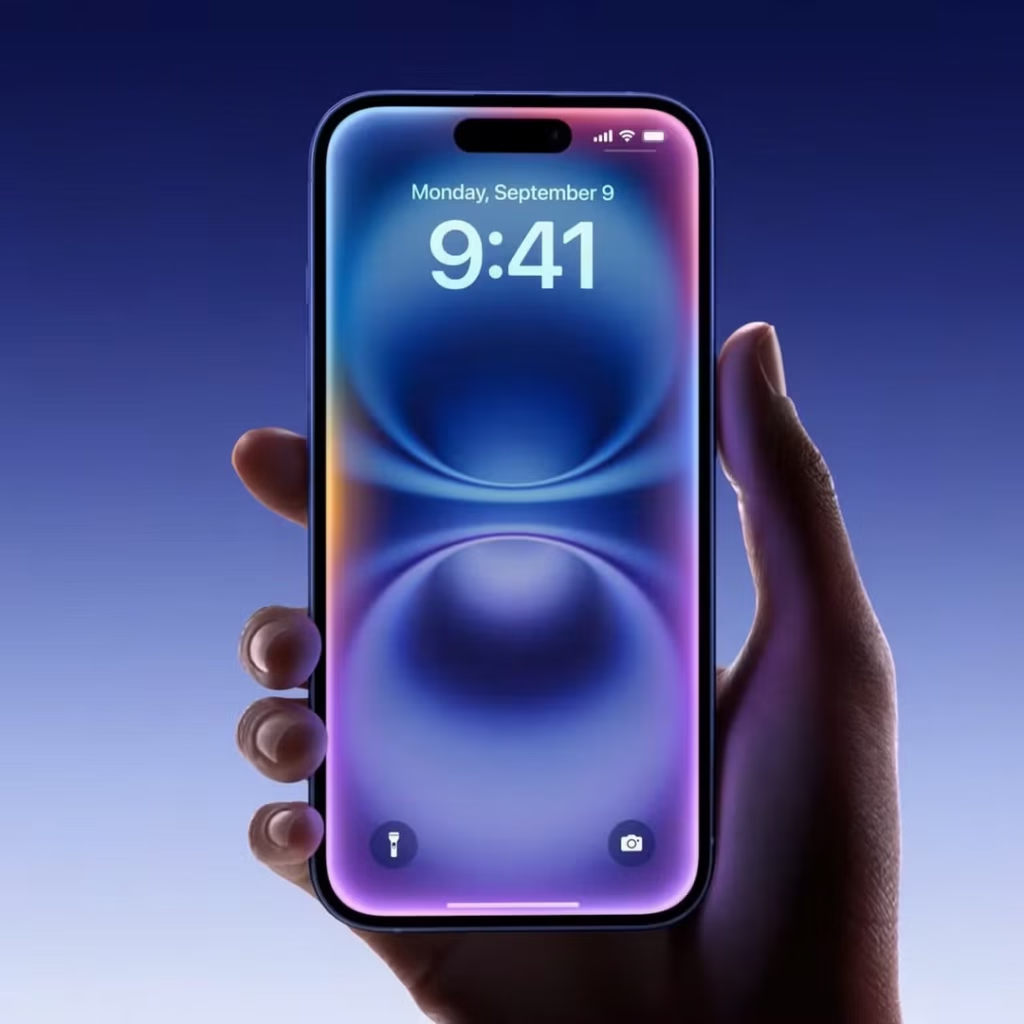
If you own an iPhone, from the iPhone 11 to the latest iPhone 17 Pro Max, you already have a powerful camera sitting in your hand. What many people don’t realize is that with just a few simple tweaks, your iPhone can take pictures that rival professional DSLR shots. Who are you? What do you do? Are you a content creator, a business owner, a photography enthusiast, or someone who simply loves documenting life? Welcome! This post will show you how to get the very best out of your iPhone camera. Let’s go! 1. Clean Your Lens (It Changes Everything) Before you tap that shutter, always wipe your lens. Your phone has been in pockets, bags, and hands, and all these fingerprints, oil, and dust can dull your photos. Use a soft microfiber cloth to gently clean the lens, and you’ll instantly notice brighter, sharper photos. Sometimes, the difference between a blurry picture and a masterpiece is just a clean lens. 2. Use Natural Light Whenever Possible Lighting is the soul of photography. Instead of depending on flash, step near a window, face soft daylight, or shoot outdoors in the early morning or late afternoon. The iPhone’s camera loves natural light, every time. It brings out skin tones, textures, and vibrant colors beautifully. Also Read: 10 iPhone Photography Tips for Professional Pics! 3. Adjust Focus and Exposure Manually When you tap on your subject on the screen, a small yellow box appears. That’s your focus point. But here’s the trick. Slide your finger up or down on the screen to manually adjust exposure (brightness). This gives you control over how bright or dramatic your photo looks. Professionals use this trick all the time for cinematic tones. 4. Try ProRAW or HEIF for Higher Quality If you’re using an iPhone 12 Pro or newer, turn on Apple ProRAW in your camera settings. This format captures more detail and allows you to edit your photos like a pro using Lightroom, VSCO, or even your iPhone’s Photos app.If you prefer smaller file sizes, HEIF gives great image quality while saving space. 5. Turn on ‘Grid’ Go to Settings → Camera → Grid and turn it on. Those faint lines help you compose your shots better. Place your subject along one of the vertical or horizontal lines, not dead center. This instantly makes your photos look balanced and professional. 6. Use Night Mode for Low Light Scenes Apple’s Night Mode has gotten really good since the iPhone 11. Instead of using flash, it takes multiple exposures and blends them for a clear, bright shot even in dim light. Just hold your phone steady (use a tripod if you can), and let the phone do its magic. 7. Add Depth With Foreground and Background Don’t just snap a subject against a blank wall. Include something in the foreground like plants, books, lights, just to add depth. The iPhone’s portrait mode enhances this even more by naturally blurring the background (it’s known as the bokeh effect). 8. Use Gridlines for Video, Too Whether you’re shooting a vlog or TikTok reel, composition (grid as in number 5) still matters. Keep your subject slightly off-center, and use the focus lock (AE/AF Lock) by pressing and holding the screen. This keeps the focus fixed while you move, preventing flicker. 9. Use Accessories for a Boost Want to take things further? Here are a few tools that make a huge difference: Q81 Wireless Microphone – for crisp audio in vlogs and reels. 14-Inch Ring Light – for perfect lighting indoors. L16 Selfie Tripod Stand – steady shots, every time. Bistar 30,000mAh Power Bank – because no one likes running out of battery mid-shoot. All available at The Phonepreneur Global, your trusted plug for gadgets, accessories, and tech made simple. Rounding Off… The iPhone camera is more capable than most people realize. With the right mindset and a few creative tweaks, you can transform your photos from average to professional. Remember: it’s not just about the device; it’s about how you use it. Start small, experiment daily, and soon, people will start asking you which camera you use and you’ll smile, knowing it’s just your iPhone. See you next time! Also Read: 19 iPhone Photography Tips to Level up Your Photos 2025

Pro Photography Tips for iPhone Users Read More »

How to Record Quality Videos With Your Phone 3

How to Record Quality Videos With Your Phone (Even Without Expensive Equipment)

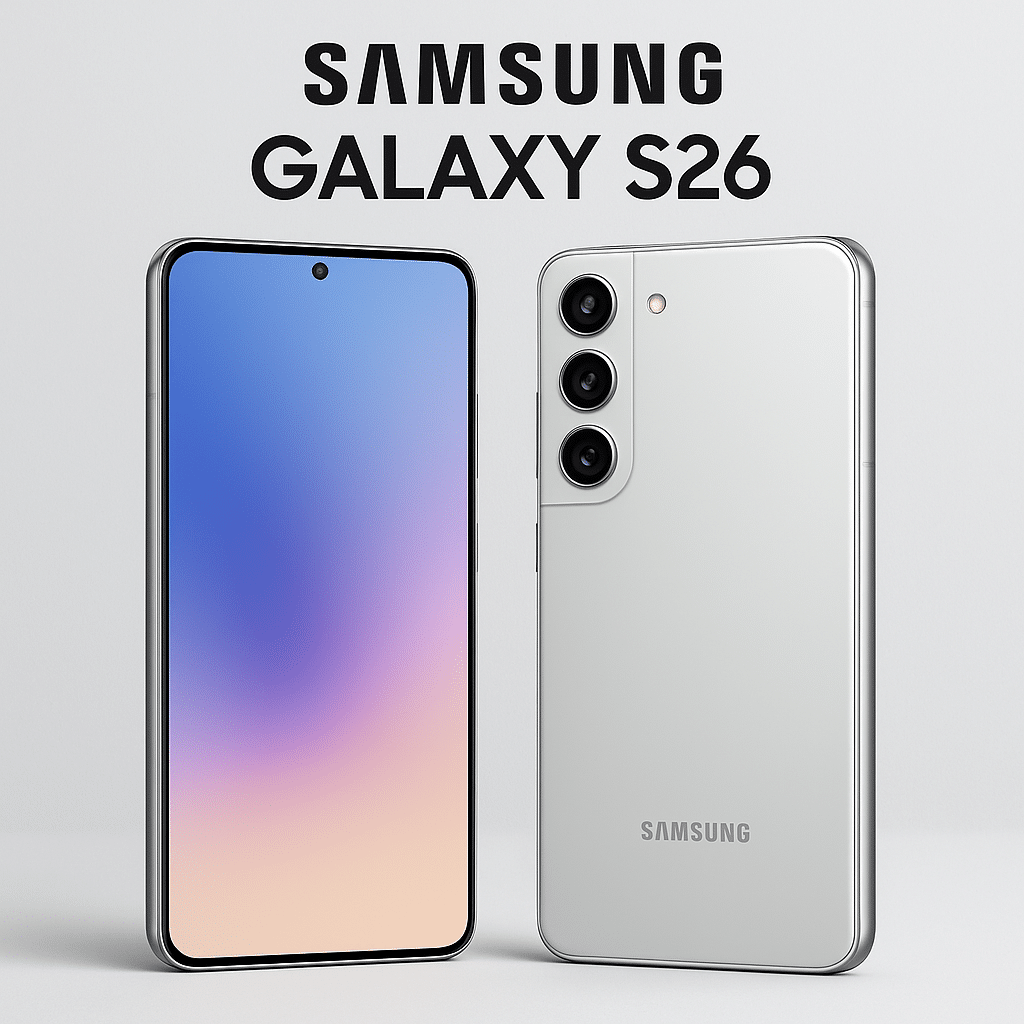
These days, your phone can do more than just take casual pictures. It can shoot stunning videos good enough for YouTube, TikTok, Instagram Reels, and even small business ads. You don’t need fancy cameras or expensive gear to get started. With the right settings, simple tricks, and a few affordable tools, you can make your phone videos look crisp, bright, and professional. Who are you? A content creator, a small business owner trying to promote your brand, or just someone who wants to make better family videos? Don’t worry. This guide will help you create pro-quality videos with just your smartphone. 1. Start With Good Lighting First things first, light! Lighting is everything in video. Even the newest iPhone 17 Pro Max or Samsung Galaxy S25 Ultra won’t be able to rescue a poorly lit video, so, take care to have rich lighting. Record near a window during the day for soft, natural light. Face the light (don’t put it behind you). Avoid harsh overhead bulbs that cast shadows. If you’ll be shooting often, consider a ring light or small LED panel. They’re affordable and make a huge difference. 2. Keep Your Shot Stable Shaky videos instantly look unprofessional. Use both hands to hold your phone steady. Rest your elbows on a table or wall if possible. Better yet, invest in a tripod or phone stabilizer. Yes, there are many affordable options exist online and in local stores. And if you’re using an iPhone or a Samsung Galaxy, turn on image stabilization in your settings for extra smoothness. 3. Clean Your Lens (It Matters More Than You Think) It sounds simple, but a smudged camera lens can ruin your video. Before you start recording, gently wipe your phone camera with a soft cloth to remove fingerprints or dust. 4. Record in the Highest Quality Your Phone Allows On iPhones (XR and above): Go to Settings > Camera > Record Video and select 4K at 30fps or 60fps. On Samsung Galaxy phones (S20 and newer): Go to Camera Settings > Video Size and pick UHD or 4K. 4K video looks sharp and future-proof, and even if you don’t plan to upload in 4K, it gives you better quality when editing.   5. Use the Back Camera, Not the Selfie Camera The rear camera on almost every phone, whether it’s an iPhone 14, iPhone 16 Pro Max, or Samsung Galaxy S25 Ultra is better than the front-facing one. Use it whenever possible for higher resolution, better stabilization, and richer colors. 6. Get Great Audio (Without a Pro Mic) Your video can look good, but if the sound is bad, people will leave. Record in a quiet room and close windows to reduce background noise. If you can, use wired earphones or an affordable lapel mic. It makes a big difference. For extra clarity, avoid covering your phone’s mic holes while recording. 7. Edit Smartly, Right on Your Phone Editing makes your video stand out. iPhone users: iMovie or CapCut is great for quick, clean edits. Android users: CapCut, VN, or Kinemaster works well. Trim mistakes, add captions, and adjust brightness/contrast to make your footage pop. 8. Shoot Horizontally for YouTube, Vertically for Social Media Think about where your video will be shared. YouTube & Facebook: Landscape (horizontal) works best. TikTok, Instagram Reels & Stories: Stick to vertical. 9. Don’t Zoom! Move Closer Instead Digital zoom can reduce quality and make your video look grainy. Physically move closer to your subject if you want a tighter shot. Recommended Phones for Great Video Recording If you’re looking to upgrade your phone for better video content, here are some solid picks available right now: iPhone 17 Pro / Pro Max — Exceptional cameras, ProRes video, long battery life. Shop here Samsung Galaxy S25 Ultra — 200MP main camera, insane zoom, top-notch video quality. Shop Samsung phones here Budget-friendly options — iPhone 13, iPhone 14, or Samsung S21/S22 still record beautiful videos without costing as much as the newest models. Shop authentic phones, tablets, and creator kits on The Phonepreneur. We deliver nationwide and offer free shipping on Lagos Mainland for orders above ₦500k. Rounding Off You don’t need a studio or expensive gear to shoot videos that impress. Start with good lighting, steady shots, clear sound, and smart editing. As your skills grow, you can add small upgrades like a ring light, tripod, or lapel mic but your phone alone is already powerful. At The Phonepreneur, we help creators and business owners unlock the full potential of their gadgets. From affordable iPhones to the latest Samsung Galaxy S25 Ultra, and even content creator kits, we’ve got everything you need to take your videos to the next level.

How to Record Quality Videos With Your Phone (Even Without Expensive Equipment) Read More »

Step-by-Step How to Transfer Data From Your Old Phone to a New One

Step-by-Step: How to Transfer Data From Your Old Phone to a New One

Buying a new phone is always exciting, but the real headache comes when you start thinking about your contacts, WhatsApp chats, photos, and apps stuck in the old phone. You don’t want to lose important files or spend hours to transfer items one by one, yes, we know. In this guide, I’ll show you easy ways to transfer all your data from an old phone to a new one, whether you’re switching from Android to Android, iPhone to iPhone, or even Android to iPhone. And remember, at The Phonepreneur Global, we’re your hub for everything tech in Nigeria. We deliver nationwide, offer free delivery on Lagos Mainland orders over ₦500,000, and are open Monday to Friday (9am–6pm) and Saturday. Looking for a kids’ tablet instead? Shop here.Want to create like a pro? Get our Content Creator’s Kit here. 1. Android to Android (Using Google Account) If you’re moving from one Android phone to another (like Samsung to Redmi, or Itel to Tecno), Google makes it simple. On your old phone, go to Settings > Accounts > Google. Make sure Sync is turned on (contacts, calendar, photos, etc.). On your new phone, log in with the same Google account. During setup, choose “Restore from backup” and select your old device. This transfers your Contacts, calendar, Google Photos, app list, and settings. 2. iPhone to iPhone (Using iCloud) Apple makes this easy with iCloud or Quick Start. On your old iPhone, back up to iCloud via Settings > Apple ID > iCloud > iCloud Backup. On your new iPhone, sign in with the same Apple ID. Choose “Restore from iCloud Backup” during setup. This transfers Photos, contacts, apps, Apple Music, WhatsApp chats (if backed up). 3. Android to iPhone (Using “Move to iOS” App) Switching from Android to iPhone? Apple’s “Move to iOS” app helps. Download Move to iOS from Google Play Store on your old Android. On your new iPhone, during setup, select “Move Data from Android.” Follow the on-screen code and connect both devices via Wi-Fi. This transfers the Contacts, message history, photos, videos, bookmarks, and email accounts.   4. WhatsApp Chats (Very Important in Nigeria!) Most Nigerians can’t afford to lose WhatsApp chats. Here’s how: On Android: Open WhatsApp > Settings > Chats > Chat Backup. Backup to Google Drive. Install WhatsApp on your new phone, sign in, and choose “Restore from Google Drive.” On iPhone: Open WhatsApp > Settings > Chats > Chat Backup. Backup to iCloud. Install WhatsApp on your new phone, sign in, and choose “Restore from iCloud.” 5. Quick Tools (Bluetooth, SHAREit, Xender, Smart Switch) For faster transfers (without much data), you can use tools like: SHAREit or Xender (Android to Android or Android to iPhone for photos, videos, and music). Samsung Smart Switch (Samsung to Samsung). Nearby Share (latest Android phones). These are free, quick, and don’t need heavy internet data. Rounding Off Transferring data is not meant to be stressful no matter your device. It doesn’t matter whether you’re moving from Android to Android, iPhone to iPhone, or switching across platforms, the steps above will help you get started quickly. At The Phonepreneur Global, we go beyond selling techs, we help Nigerians make the most of their devices. We deliver nationwide, provide trusted tech solutions, and give you peace of mind that your investment is safe. Looking for a kids’ tablet instead? Shop here.Want to create like a pro? Get our Content Creator’s Kit here. Shop Phones, Tablets & Accessories Here

Step-by-Step: How to Transfer Data From Your Old Phone to a New One Read More »

The Phonepreneur

What Is an IMEI Number and Why Is It Important?

Every mobile phone has a unique identity, something like a fingerprint that distinguishes it from every other phone in the world. That identity is known as the IMEI number. You probably have seen it on your phone box or dialled *#06# out of curiosity, and have wondered: what does this number really mean, and why is it so important? In this blog post, we break down everything you need to know about the IMEI number, especially if you live in Nigeria and use mobile devices regularly. What Does IMEI Stand For? IMEI stands for International Mobile Equipment Identity. It’s a 15-digit number that is unique to your phone. No two devices in the world share the same IMEI. It helps network providers and authorities identify, track, or block a specific phone when necessary. How to Find Your IMEI Number There are several easy ways to check your IMEI number: *Dial #06# – This is the most common method and works on almost every phone. Phone Settings – Go to Settings > About Phone > Status. Phone Box or Receipt – The IMEI is often printed on the box or the purchase receipt. Under the Battery (for older phones) – Remove the battery and check for a sticker. Why Is the IMEI Number Important? Here are some reasons why the IMEI number matters more than you may think: 1. Helps Track Lost or Stolen Phones If your phone gets stolen, the IMEI can be used to block the device from being used on any network, even if the SIM card is changed. Network providers can blacklist your phone using its IMEI so that it becomes useless to thieves. 2. Useful for Verifying a Phone’s Authenticity Before buying a used or second-hand phone, checking the IMEI can tell you if the phone is genuine or blacklisted. Some websites let you confirm if a phone has been reported stolen or has outstanding issues. 3. Required for Registration and Repairs In many warranty or insurance claims, your IMEI is required to verify ownership. Also, some repair centres will ask for the IMEI before working on your device. 4. Enables Law Enforcement to Help In Nigeria, police and other security agencies can request your IMEI to help trace missing phones, especially in serious theft or fraud cases. IMEI in Nigeria: What You Should Know In recent years, Nigerian authorities have become more focused on using IMEI numbers to curb phone-related crimes. The Nigerian Communications Commission (NCC) has even proposed the use of a Centralized Device Management System (DMS) that could block stolen phones using their IMEI. So, keeping a record of your IMEI is not just a tech thing that you should disregard. It’s becoming a real form of protection even in our own nation. What You Should Do Today Here are quick steps you can take right now: *Dial #06# and write your IMEI down somewhere safe. If you’re buying a used phone, verify the IMEI status on reputable databases. Report your IMEI immediately if your phone is stolen. Final Thoughts Your phone’s IMEI number might look like a random string of digits, but it’s actually one of the most important security features of your device. It’s essential to know and guard this number, just like your ID card, hehe. Did you know you could use your IMEI to block a stolen phone? Share this post to help someone else stay informed. And don’t forget to follow The Phonepreneur for more tech tips, mobile security updates, and device reviews tailored for Nigeria!

What Is an IMEI Number and Why Is It Important? Read More »

Shopping Cart
0
    0
    Your Cart
    Your cart is emptyReturn to Shop