
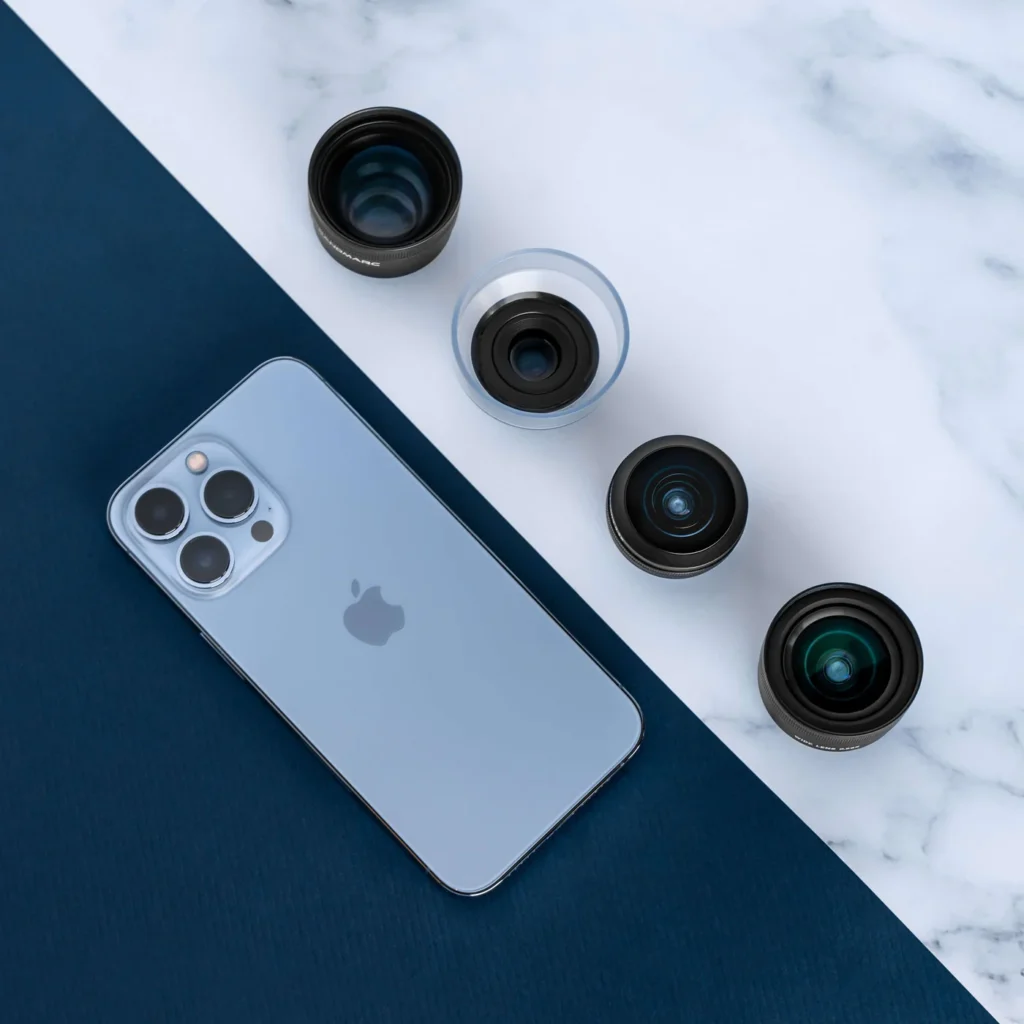
If you own an iPhone, from the iPhone 11 to the latest iPhone 17 Pro Max, you already have a powerful camera sitting in your hand. What many people don’t realize is that with just a few simple tweaks, your iPhone can take pictures that rival professional DSLR shots. Who are you? What do you do? Are you a content creator, a business owner, a photography enthusiast, or someone who simply loves documenting life? Welcome! This post will show you how to get the very best out of your iPhone camera. Let’s go!

1. Clean Your Lens (It Changes Everything)
Before you tap that shutter, always wipe your lens. Your phone has been in pockets, bags, and hands, and all these fingerprints, oil, and dust can dull your photos.
Use a soft microfiber cloth to gently clean the lens, and you’ll instantly notice brighter, sharper photos. Sometimes, the difference between a blurry picture and a masterpiece is just a clean lens.
2. Use Natural Light Whenever Possible
Lighting is the soul of photography. Instead of depending on flash, step near a window, face soft daylight, or shoot outdoors in the early morning or late afternoon. The iPhone’s camera loves natural light, every time. It brings out skin tones, textures, and vibrant colors beautifully.
Also Read: 10 iPhone Photography Tips for Professional Pics!
3. Adjust Focus and Exposure Manually
When you tap on your subject on the screen, a small yellow box appears. That’s your focus point. But here’s the trick. Slide your finger up or down on the screen to manually adjust exposure (brightness).
This gives you control over how bright or dramatic your photo looks. Professionals use this trick all the time for cinematic tones.

4. Try ProRAW or HEIF for Higher Quality
If you’re using an iPhone 12 Pro or newer, turn on Apple ProRAW in your camera settings. This format captures more detail and allows you to edit your photos like a pro using Lightroom, VSCO, or even your iPhone’s Photos app.
If you prefer smaller file sizes, HEIF gives great image quality while saving space.
5. Turn on ‘Grid’
Go to Settings → Camera → Grid and turn it on. Those faint lines help you compose your shots better. Place your subject along one of the vertical or horizontal lines, not dead center. This instantly makes your photos look balanced and professional.
6. Use Night Mode for Low Light Scenes
Apple’s Night Mode has gotten really good since the iPhone 11. Instead of using flash, it takes multiple exposures and blends them for a clear, bright shot even in dim light.
Just hold your phone steady (use a tripod if you can), and let the phone do its magic.
7. Add Depth With Foreground and Background
Don’t just snap a subject against a blank wall. Include something in the foreground like plants, books, lights, just to add depth. The iPhone’s portrait mode enhances this even more by naturally blurring the background (it’s known as the bokeh effect).
8. Use Gridlines for Video, Too
Whether you’re shooting a vlog or TikTok reel, composition (grid as in number 5) still matters. Keep your subject slightly off-center, and use the focus lock (AE/AF Lock) by pressing and holding the screen. This keeps the focus fixed while you move, preventing flicker.
9. Use Accessories for a Boost
Want to take things further? Here are a few tools that make a huge difference:
Q81 Wireless Microphone – for crisp audio in vlogs and reels.
14-Inch Ring Light – for perfect lighting indoors.
L16 Selfie Tripod Stand – steady shots, every time.
Bistar 30,000mAh Power Bank – because no one likes running out of battery mid-shoot.
All available at The Phonepreneur Global, your trusted plug for gadgets, accessories, and tech made simple.
Rounding Off…
The iPhone camera is more capable than most people realize. With the right mindset and a few creative tweaks, you can transform your photos from average to professional. Remember: it’s not just about the device; it’s about how you use it.
Start small, experiment daily, and soon, people will start asking you which camera you use and you’ll smile, knowing it’s just your iPhone. See you next time!
Also Read: 19 iPhone Photography Tips to Level up Your Photos 2025
Discover more from The Phonepreneur Global
Subscribe to get the latest posts sent to your email.
